High email deliverability, bulk email sending, increased security — if that sounds like what you’re looking for, you need an SMTP server.
But you shouldn’t have to pay for reliable email delivery when you’re just starting out. Fortunately, the best free SMTP servers allow you to send thousands of transactional and marketing emails every month—without spending a dime.
To help you choose, we’ve reviewed the best free SMTP service providers for high-volume sending and transactional emails here. Read on to find the best service provider for your company.
The information in this article was last updated on February 3, 2026.
Try Brevo for free
Send 300 free emails a day. Perfect for bulk email, transactional messages, and testing.The best free SMTP servers at a glance
Our methodology at Brevo: How we tested
This article covers the best free SMTP servers including our own platform, Brevo. Our suggestions are based on our own research and testing. We don't earn commissions from any links on this page. To learn exactly how we evaluate tools, check out our dedicated methodology article.
Please note that the features listed here are just a selection of what each SMTP sending software offers. For exact pricing and a full, up-to-date feature list, check the providers' websites.
The 11 best free SMTP servers
We’ve compiled a list of the best free SMTP service providers that help businesses to send large volumes of emails without roadblocks.
1. Brevo: best SMTP server for email marketing & transactional emails
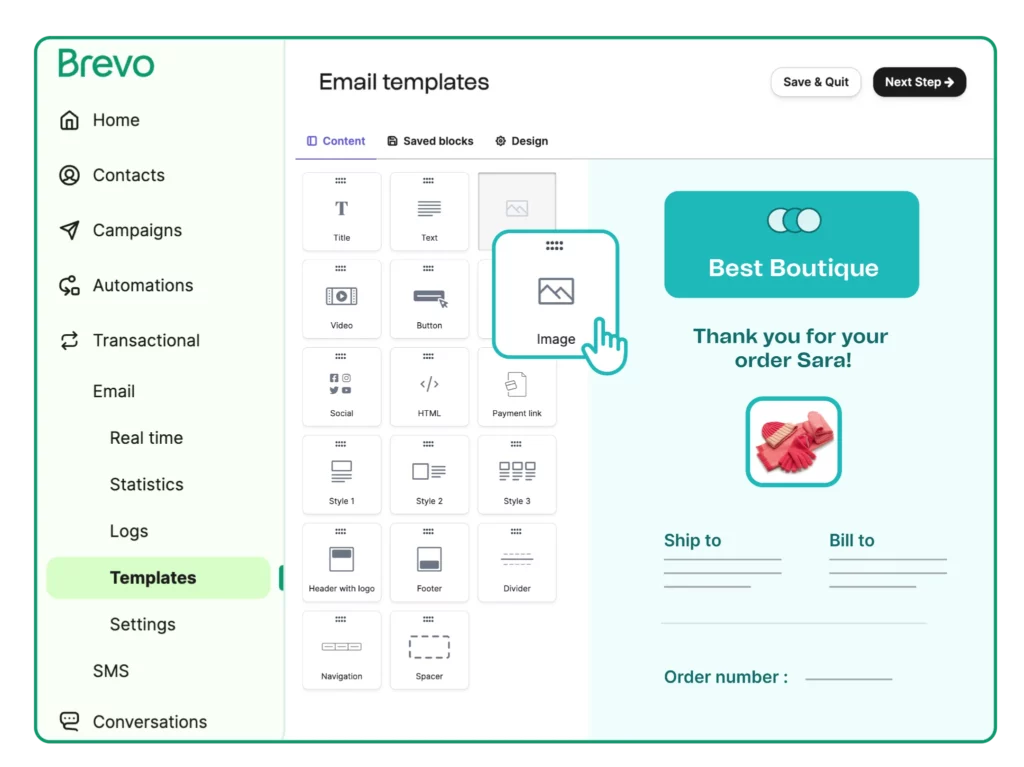
Brevo is an email marketing platform with a reliable SMTP service. It's the best free SMTP server for businesses seeking to consolidate their marketing and transactional emails sending on one platform.
Brevo offers one of the most generous "forever free" plans on the market. It allows you to send up to 9,000 emails/month (300/day) and store up to 100,000 contacts.
Brevo pros
- Functionality: Brevo is a full CRM suite for growing businesses with capabilities for lead capture, email templates, A/B testing functionality, a drag-and-drop email editor, and other critical features for email marketers.
- Unlimited log retention: Access logs and previews with no time limit.
- Quick and easy setup: Be up and running in no time without developer help.
- Automation: Build automation workflows based on user activity and website behavior for omnichannel marketing tools such as email, SMS, and WhatsApp.
- Deliverability: Established sender reputation with Gmail/Outlook ensures high inbox placement.
- Sender reputation: Split transactional and promotional emails by sender or IP address.
Brevo cons
- Comprehensive solution: We offer our free SMTP server as part of a comprehensive email marketing and CRM suite. If you’re looking for an SMTP server without many bells and whistles, you might want to choose a more basic solution.
Brevo pricing
Free plan: 300 emails/day (9,000 emails/month)
Paid plan: Starts at $9 for 5,000 emails a month (Marketing Platform)

Excellent first experience with their support — Free account review
"I've been using Brevo since its Sendinblue days, mainly for email marketing and SMTP relay with our office printer [...] The transition to Brevo brought noticeable improvements. What stands out is their customer support - even as a free account user, I received personalized, non-canned responses to my queries. This prompt and considerate support, especially for minor issues like the SMTP key length for our printer, is commendable."
Pat B.,
Sales and Marketing Director

SMTP & Transactional email provider
"We've been using Brevo (Sendinblue) as an SMTP for our transactional Woo emails since 2021 and intend to continue even longer. And here's why. Recently, our account was postponed and all our transactional emails stopped being sent. We couldn't understand the reason behind it and appealed for support. Hats off to the Brevo team, we've received it quickly. The support team found a spam bot activity and helped us resolve this issue by advising us on our steps. Again, we never experienced any issues with the service itself. But it's great to know that Brevo's quick assistance is there if something goes wrong."
Tatiana Lebedeva,
Brevo user
Several sales and marketing tools in one system
"We stumbled upon Brevo by accident as we were using a system just for sending marketing emails. We discovered quickly that Brevo offered multiple different digital sales and marketing tools to enhance both our manual branded client engagement tasks, but also offered automation tools to aid our day to day sales efforts. Brevo has allowed us to move away from three other, separate systems and we now use Brevo for all our outbound sales and marketing endeavours. This has saved us a lot of time and money and has increased our output. The system is easy to use and the support is excellent and prompt."
Stephen Day,
Brevo user
2. Amazon SES: best for tech-savvy, high-volume senders
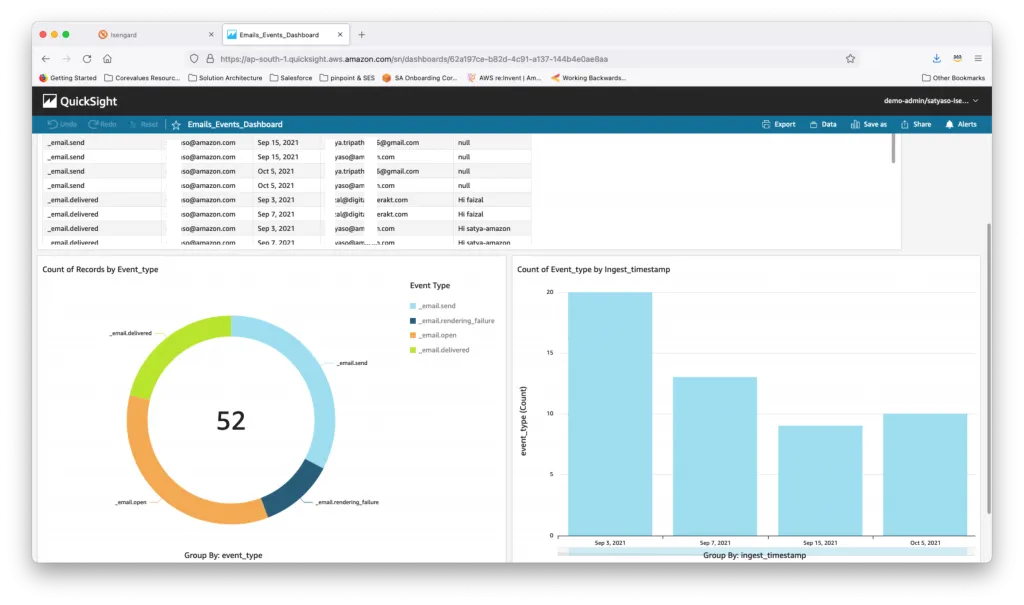
Amazon Simple Email Service (SES) is a transactional and bulk email sending service. It allows developers to build email functionality into any application. It’s particularly good for companies that run applications on Amazon Web Service (AWS).
Amazon Simple Email Service is incredibly cheap, but its free tier has a major caveat: you can only use it for the first 12 months.
Amazon SES pros
- Dedicated IP addresses: Request a dedicated IP address to manage your own IP reputation.
- Reputation & deliverability dashboards: You can track issues impacting your reputation and delivery rates across two dashboards.
- Mailbox Simulator: Run tests to see how your application handles different scenarios, such as bounces, unsubscribes, or complaints, without making a real impact on your sender reputation.
- Affordable: Amazon SES doesn’t include typical marketing automation features, and therefore, the service is very cheap.
Amazon SES cons
- Setup process: The implementation process requires a lot of manual work.
- Technical: Steep learning curve for non-tech users to set up and use Amazon SES.
Amazon SES pricing
Free plan: 3,000 message charges/month for the first 12 months
Paid plan: Pay-as-you-go ($0.10 per 1,000 emails)
Looking for a low-budget solution for your email marketing? Check out this article comparing the cheapest email marketing platforms.
3. SendGrid: best for scalable SMTP or API-driven email delivery
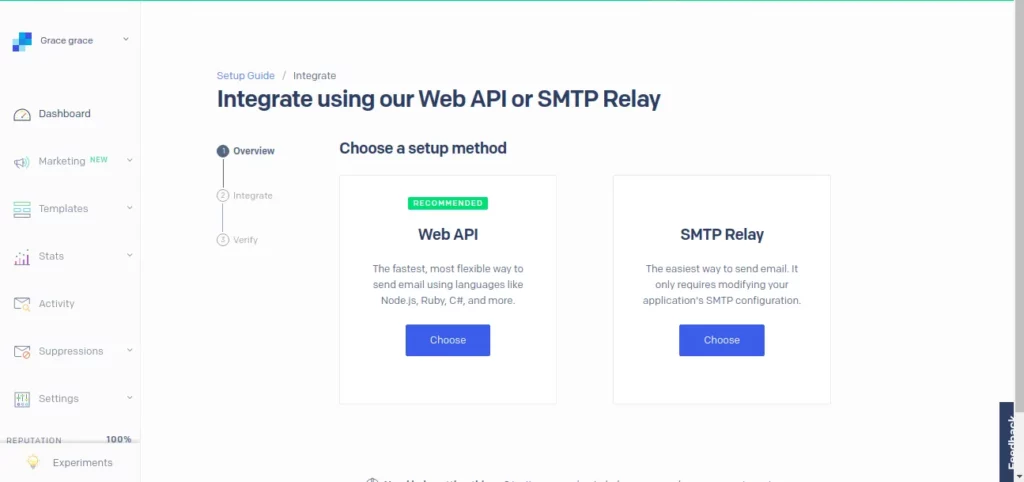
SendGrid is among the best free SMTP servers. It provides an SMTP service for reliable delivery and scalability.
SendGrid pros
- Reputation and delivery monitoring: Get insights into your sender reputation, delivery rates, and engagement analytics.
- Real-time email analytics: Access real-time performance data in your personal dashboard or via API.
- Documentation: The setup process is made easier with comprehensive documentation, open source libraries, and a clear setup flow.
- Segmentation: Segment email and SMS audiences alike.
SendGrid cons
- Low limit: 100 emails/day for only 60 days on the free plan is restrictive for growing businesses.
- After-sale support: Users report that the SendGrid support team isn’t very helpful when you sign up.
- Pricing: Since being acquired by Twilio, SendGrid got more expensive.
SendGrid pricing
Free plan: 100 emails/day for 60 days
Paid plan: Starts at $19.95/month for 50,000 monthly emails.
Discover the 5 best SendGrid alternatives for transactional email.
4. Mailgun: best for developers
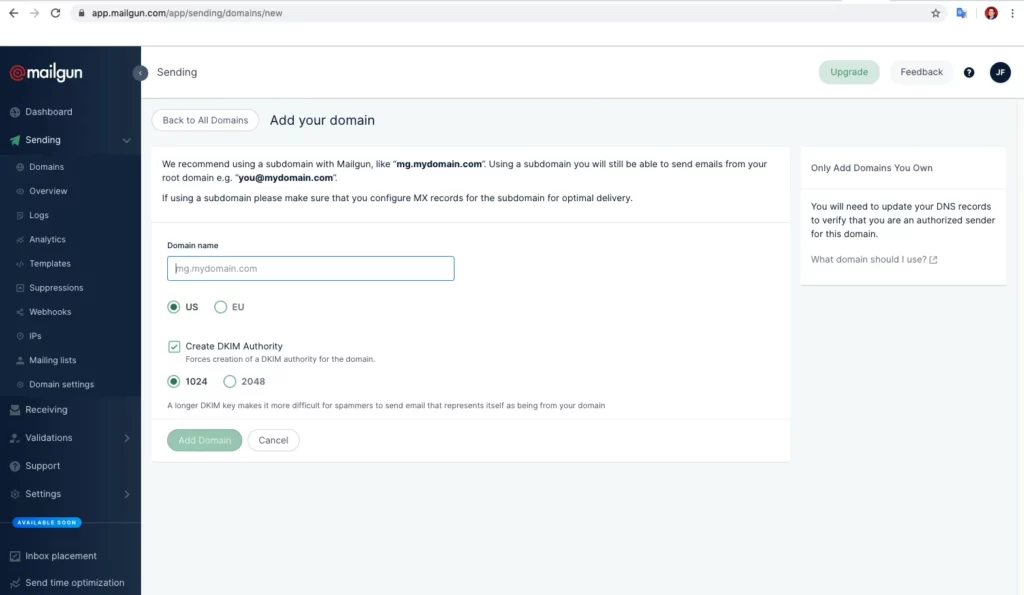
Mailgun is a popular free SMTP service, offering a set of powerful APIs for sending, receiving, and tracking emails. Known as a transactional email service “built for developers, by developers,” Mailgun has comprehensive API documentation and an easy SMTP integration.
Mailgun pros
- Reliability: Mailgun is one of the most reliable services on the list.
- Dedicated mail server: Send both marketing campaigns and transactional emails alike.
- Real-time reporting: Access hourly data on your email performance.
- Enterprise-focused solutions: Create a custom enterprise-grade solution for sending emails at scale..
Mailgun cons
- Low limit: With a limit of 100 emails/day, the free plan is mainly intended for testing or very low-volume use.
- Built for developers: Mailgun isn’t designed for non-tech teams. It’s a tech cloud-based SMTP service by Mailjet’s parent company Sinch.
- Short retention period: On cheaper plans, the log retention period is only five days, and the minimum message retention period is one day.
Mailgun pricing
Free plan: 100 emails/day
Paid plan: Starts at $15 for 10,000 monthly emails
Discover the 7 best Mailgun Alternatives for transactional emails.
5. Mailtrap: best for high email deliverability
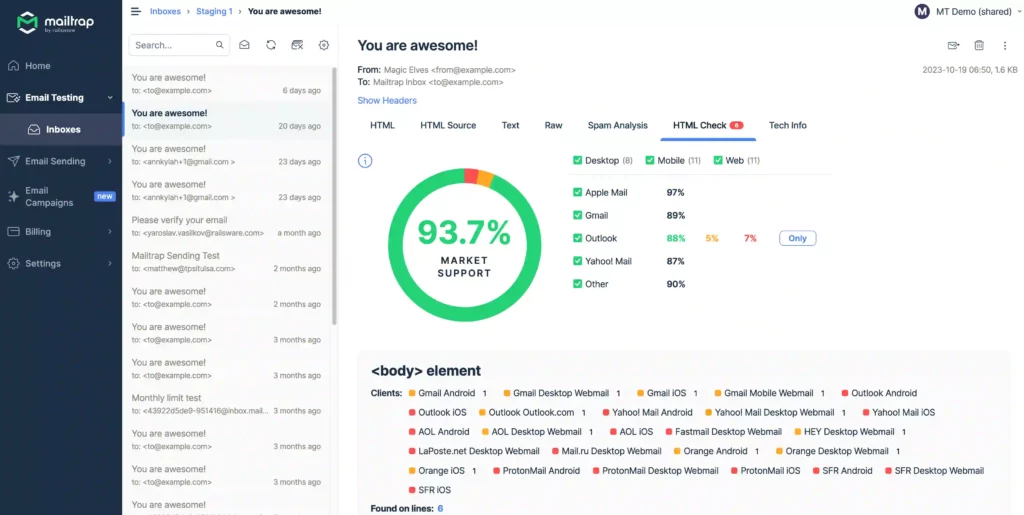
Mailtrap is an email platform for developer and product teams who need high inboxing rates, fast email delivery, and 24/7 expert support.
It offers a flexible email API and free SMTP service for sending transactional and bulk emails at scale.
Mailtrap pros
- High deliverability rates: Mailtrap promises 99,99% platform uptime and provides dedicated IPs, throttling, auto warm-up, and other advanced features to ensure high inboxing rates and fast delivery.
- Industry-best analytics: Mailtrap offers drill-down reports and helicopter-view dashboards for tracking metrics such as opens, clicks, bounces, and stats for separate email service providers like Gmail or Outlook, and more.
- Safe and fast scaling: With affordable pricing plans, as well as many deliverability features, Mailtrap allows you to grow your business and send emails at scale without any hiccups or performance issues.
- Developer experience: A flexible email API with regularly maintained SDKs, pre-made code snippets for major programming languages and frameworks, MCP server, and integrations with AI tools like Lovable and Vercel.
- 24/7 expert support: Mailtrap provides support from engineers and deliverability specialists around the clock, as well as free deliverability consultations.
Mailtrap cons
- Restricted free plan: Mailtrap’s free plan is limited to only one user and doesn’t include user management features.
- Basic automations: If you need an advanced workflow automation builder, Mailtrap might not be your best bet.
Mailtrap pricing
Free plan: 150 emails/day (4,000 emails/month)
Paid plan: Starts at $15/month for 10,000
Read more: The best email APIs compared.
6. Postmark: best for fast transactional email sending
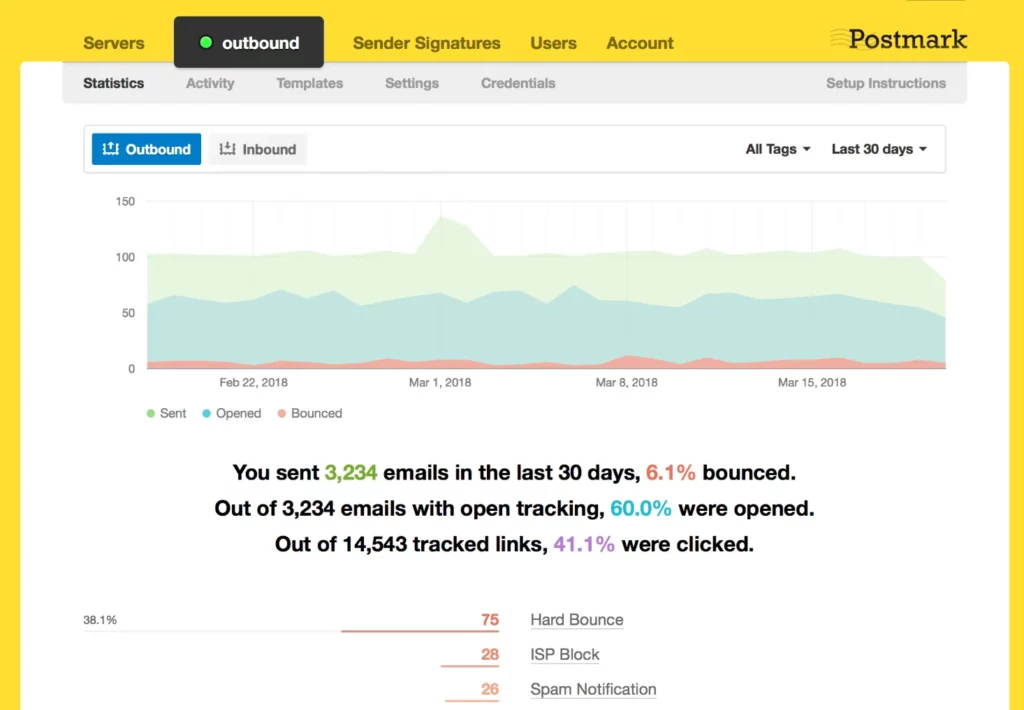
Postmark is ActiveCampaign’s SMTP service built for developers and product teams. The platform offers a simple but quality free SMTP relay service for sending transactional email.
However, their free offering is strictly a developer plan. It is designed to let you build and test your app, not run a business for free.
Postmark pros
- Deliverability: Postmark has a narrow focus on deliverability, which means your transactional emails will most likely always be reaching recipients’ inboxes.
- Control: Promotional campaigns and transactional emails are sent through separate sending infrastructure.
- Documentation: Postmark offers concise documentation, making it easy to start sending emails using SMTP.
- Message retention: Access email previews and recipient information within a 45-day window.
Postmark cons
- Functionality: If you’re looking for an all-in-one marketing platform, Postmark won’t fit your needs.
Postmark pricing
Free plan: 100 emails/month
Paid plan: Starts at $15/month for 10,000 emails. To get a dedicated IP address, DMARC monitoring, or custom activity retention, you’ll need to purchase an add-on for respectively $50, $14, or $5 per month.
7. SMTP2GO: best for easy setup
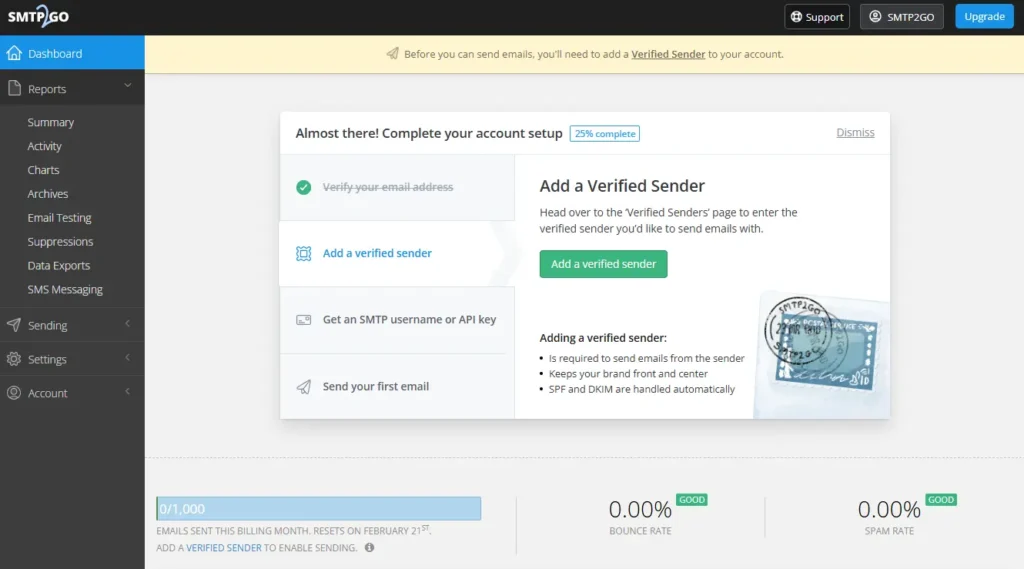
SMTP2GO is frequently praised for its simplicity. If you want to avoid complex technical configuration, this is a strong contender. Their free plan is generous enough for small sites and testing, and they maintain high deliverability standards even for free users.
SMTP2GO pros
- Ease of use: Setting up the SMTP relay takes minutes, making it ideal for non-technical users.
- Customer support: It is one of the few providers offering ticket support to free users.
SMTP2GO cons
- Limited history: Reporting data is only available for the past 5 days on the free plan.
SMTP2GO pricing
Free plan: 200 emails/day (1,000 emails/month)
Paid plan: Starts at $15/month for 10,000 emails.
8. MailerSend: best for strictly transactional emails
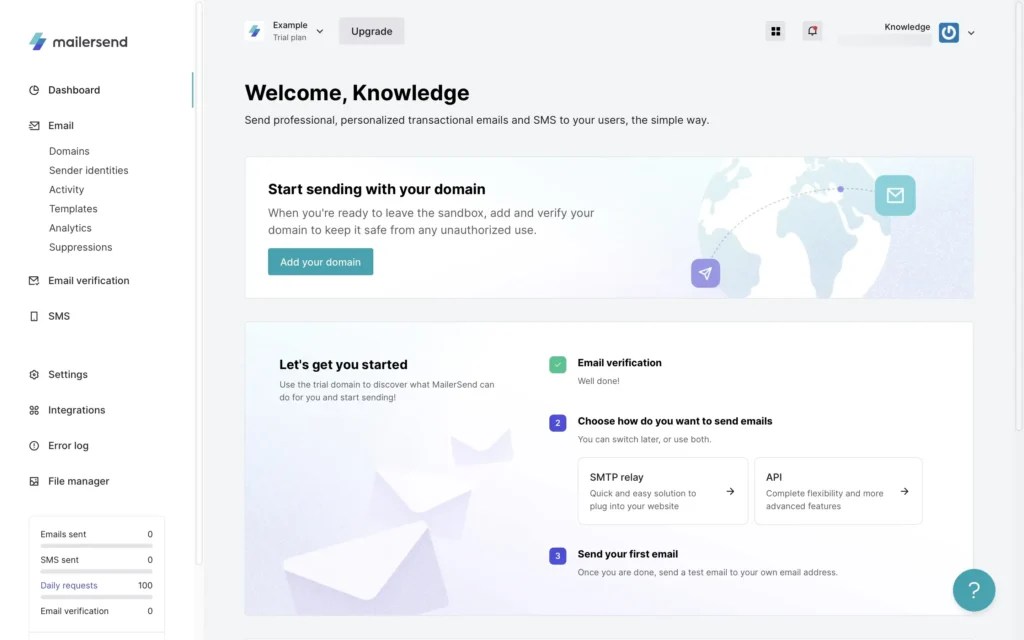
Created by the team behind MailerLite, MailerSend offers a robust free SMTP service designed specifically for transactional emails.
With 500 free emails per month and access to a drag-and-drop builder for system notifications, it’s an excellent choice for teams that want to design professional receipts and alerts without coding HTML from scratch.
MailerSend pros
- Drag-and-drop builder: Unlike most free SMTP providers, MailerSend offers a visual builder for designing transactional emails easily.
- SMS: With a paid plan (Starter or higher), you can send SMS notifications.
MailerSend cons
- No marketing: MailerSend is designed specifically for sending transactional emails and discourages users from sending other types of emails (e.g. newsletters) through their platform.
MailerSend pricing
Free plan: 500 emails/month
Paid plan: Starts at $7/month for 5,000 emails.
9. Gmail: best for personal or low-volume use
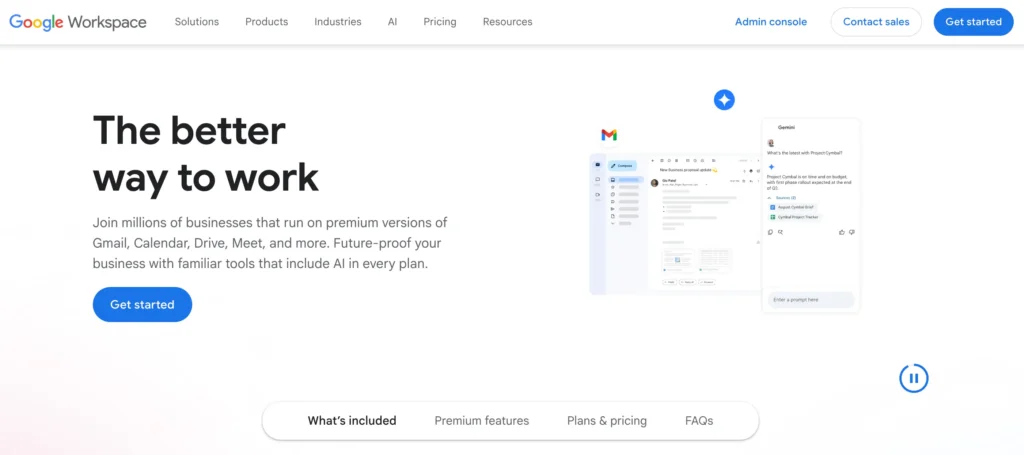
You may be wondering if you can simply use Gmail as your free SMTP provider. The short answer is yes, but it’s not built for scale. You can use Google’s free SMTP server with a personal account for low-volume sending. Alternatively, a paid Google Workspace account allows you to send from a professional domain.
However, be warned: Gmail is not designed for bulk email or marketing campaigns. It has strict anti-spam measures, and attempting to send mass emails can result in your messages being blocked or your entire account being permanently disabled.
For more information, see our dedicated blog article on sending mass emails with Gmail (+ alternatives).
Gmail SMTP pros
- Accessibility: If you have a personal Gmail account, you already have access to the free SMTP server immediately without a new signup.
- Reliability: Leveraging Google’s infrastructure means excellent uptime and deliverability for personal mail.
Gmail SMTP cons
- Strict limits: Personal free accounts are capped at 500 emails per day.
- Personal email address: If you use the free version, you’ll have to use your personal @gmail.com email address as the sender.
- Suspension risk: If Google suspects you are sending automated spam or marketing blasts, they will lock your entire Gmail account.
Gmail pricing
Free plan: 500 emails/day (Personal accounts)
Paid plan: Google Workspace starts at $7/user/month (includes custom domain and 2,000 emails/day limit).
10. Mailjet: best for collaboration between developers & marketing
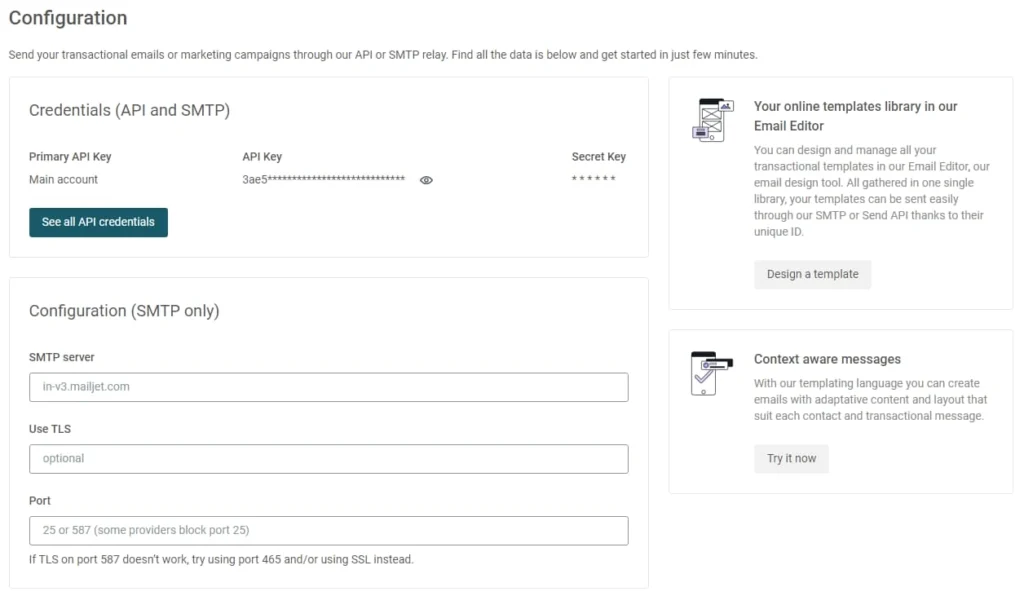
Mailjet is a powerful email solution that combines a free SMTP relay with full-featured email marketing tools. This makes it an excellent choice for businesses that want to send both transactional notifications and newsletters from a single interface, rather than managing two separate tools.
Mailjet pros
- All-in-one platform: Seamlessly switch between designing marketing campaigns and configuring transactional emails.
- API-first: Designed to integrate easily with your existing apps via a robust API.
Mailjet cons
- Daily limit: The free plan is capped at 200 emails per day (6,000 per month).
- Support: Free users have limited access to support channels (only in the first month).
Mailjet pricing
Free plan: 200 emails/day (6,000 emails/month)
Paid plan: Starts at $17/month for 15,000 emails.
11. SendPulse: best for high-volume free sending
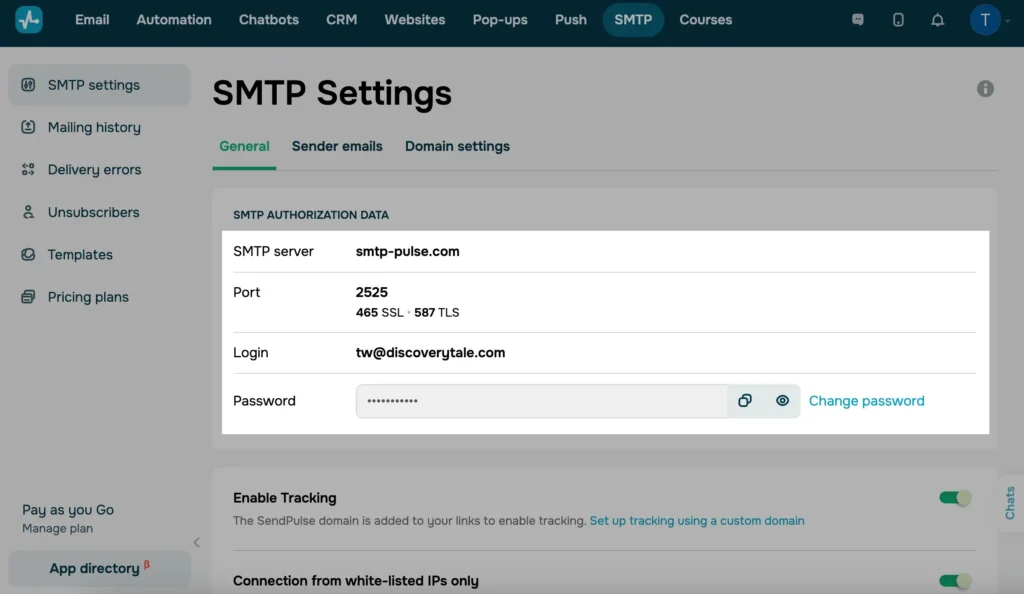
SendPulse offers one of the most generous free SMTP plans on the market in terms of volume. If your primary need is sending a large number of transactional emails without paying, SendPulse is hard to beat, though their interface can feel a bit more complex due to their multichannel focus.
SendPulse pros
- High volume: You can send up to 15,000 emails per month for free, which is significantly higher than most competitors.
- Multichannel: The platform also includes free tiers for web push notifications and chatbots, allowing you to combine channels.
SendPulse cons
- Expensive scaling: While the free tier is generous, pricing can increase rapidly as your contact list grows compared to other providers.
- Complexity: Because it is a multichannel platform (Email, SMS, Chatbots), the dashboard can be overwhelming if you just want simple SMTP.
SendPulse pricing
Free plan: 15,000 emails/month
Paid plan: Starts at $10/month for 500 subscribers and unlimited emails.
Choosing a free SMTP server
How do you choose the right SMTP server as a non-tech specialist? Actually, you don’t have to be tech-savvy to choose and successfully use a free SMTP relay server for your campaigns. You just need to be aware of the following factors.
Deliverability rate
High deliverability is the number one reason why anyone uses an SMTP server. The SMTP technology ensures better deliverability than regular marketing campaigns.
So check reviews to make sure users don’t report deliverability issues. Then, send a few trial campaigns and use a deliverability testing tool to measure it yourself.
Sender reputation
Without a solid sender reputation, you can’t expect high deliverability from an SMTP server. It’s important that your SMTP relay server provides all the necessary tools for maintaining your sending IP address and helps you avoid recipients’ spam folders.
A proper SMTP server requires new account validation, enables domain name authentication, and follows email authentication protocols (SPF, DKIM, and DMARC).
Log retention
Retention logs are the metrics of the campaigns you send. It’s best that your SMTP email service retains logs for as long as possible. This way, you can always go back and check them if issues arise.
Most SMTP servers have a 30-day retention period. Some apps, like Brevo, allow for unlimited log retention, enabling users to configure their retention period by themselves.
Ease of use
An SMTP server should be easily accessible by non-tech marketers and business owners as well as tech-savvy developers. It’s supposed to simplify the process of email sending, not overcomplicate it.
A user-friendly interface, responsive support, and proper onboarding are among the key features you should be looking for in your SMTP server.
Transactional email templates and design
It's not only your marketing campaigns that need to look nice. It's equally important to brand transactional emails to reinforce brand trust and loyalty.
The best SMTP services offer ready-to-use email templates for various transactional purposes to get you started quickly. An intuitive email editor should also be available for non-tech users to create their own templates without coding.
What the best free SMTP servers do
A Simple Mail Transfer Protocol (SMTP) server is an application that sends emails from senders’ to recipients’ email servers. Simply put, SMTP transfers emails across the internet.
There are regular SMTP servers, like Gmail or Outlook, and dedicated SMTP relay servers, like Brevo. While Gmail is good for sending personal emails and one-on-one business messages, sending bulk email campaigns and transactional emails is best with a dedicated SMTP server.
SMTP service use cases
You need a professional SMTP services if you:
- want to send large volumes of emails, e.g. mass emails
- want to send transactional emails
- need high deliverability rates
- want to send emails from your site or app
Marketing vs transactional emails
Transactional emails (order confirmations, password recovery emails etc.) need to be sent fast in reaction to user actions and to be delivered to the inbox because they contain essential information. That's why you need a SMTP service. Marketing emails can be sent manually through email marketing services or through regular email automation tools.
This gives you greater flexibility, control over deliverability, and makes sure your transactional messages are running smoothly without manual effort.
For more details, check our guide to what an SMTP server is.
How do SMTP servers work?
Without going too deep into the technical details, here’s what happens when you send a business email through an SMTP server:
- Your Mail User Agent, or mail client, connects to your SMTP server.
- The mail client communicates with the SMTP server and gets all the necessary information about the sender and recipient.
- The Mail Delivery Agent takes the message information and sends it in a proper format to the receiving mail client.
- The message reaches the receiving Mail Delivery Agent’s inbox.
FAQs
The best free SMTP server for your business
Choosing the best free SMTP provider depends entirely on your specific needs—whether you prioritize high monthly limits, developer-friendly APIs, or ease of use.
- For marketing & transactional combined: Brevo and Mailjet let you manage everything under one roof.
- For high volume: SendPulse (12,000 emails/month) and Brevo (9,000 emails/month) offer the most generous free tiers.
- For developers: Postmark and Amazon SES provide the robust infrastructure and detailed logs technical teams need.
If you’re looking for a balanced solution that gives you 300 emails a day forever, unlimited contacts, and a full marketing suite, Brevo is the best place to start. Don't just take our word for it. Try Brevo for free today—no credit card required.