
The best vibe coding app depends on two things: how much code you can read, and how far you want the app to go. Lovable and Softr suit people who have never coded. Replit, Base44, and Rocket handle more of the backend for you. Cursor and Claude Code are for developers working in their own codebase.
Most vibe coding tools can turn a prompt into a working demo in minutes. Where they differ is everything a real app needs after the demo: a database, user accounts, hosting, emails that reach the inbox, and code you can take with you. That is what this comparison focuses on.
The information in this article was last updated on October 23, 2026.
Table of Contents
- The best vibe coding apps at a glance
- How we compared these vibe coding tools
- 1. Lovable: best for non-technical founders
- 2. Replit: best for building and hosting in one place
- 3. Bolt: best for fast prototypes
- 4. v0: best for React and Next.js front ends
- 5. Base44: best all-in-one builder with built-in email
- 6. Rocket: best for production apps on your own Supabase
- 7. Softr: best for business apps without code
- 8. Cursor: best AI code editor for developers
- 9. Claude Code: best terminal agent for large codebases
- Which vibe coding app should you start with?
- What vibe coding apps don't handle for you
- What about n8n and Make?
- Choosing the best vibe coding app for your project
The best vibe coding apps at a glance
| Tool | Best for | Prices start at | Trustpilot rating |
|---|---|---|---|
| Lovable | Non-technical founders shipping full-stack MVPs | Free plan; Pro $25/month | 4.2/5 (1,857 reviews) |
| Replit | Building, hosting, and running a full-stack app in one place | Free Starter plan; Core $20/month | 2.8/5 (1,560 reviews) |
| Bolt | Fast prototypes in the browser | Free plan; Pro $25/month | 1.6/5 (203 reviews) |
| v0 | React and Next.js front ends deployed on Vercel | Free plan; Plus $30/user/month | 1.9/5 (30 reviews) |
| Base44 | All-in-one apps with built-in backend and email | Free plan; Starter $16/month (billed annually) | 2.8/5 (913 reviews) |
| Rocket | Production apps on your own Supabase project | Free credits; Pro $25/month | 4.5/5 (176 reviews) |
| Softr | Client portals and internal tools without code | Free plan; Basic $19/month (billed annually) | 4.4/5 (74 reviews) |
| Cursor | Developers who want AI inside their code editor | Free Hobby plan; Individual $20/month | 1.5/5 (347 reviews) |
| Claude Code | Developers working on large codebases from the terminal | Included in Claude Pro, $20/month | No dedicated profile |
Prices are monthly in USD, checked on each official pricing page on October 1, 2026. Trustpilot ratings were checked on October 23, 2026. Many reviews focus on credit usage and billing, and some profiles have few reviews, so read them as a signal on pricing transparency rather than on build quality.
How we compared these vibe coding tools
Every tool in this list can generate an app from a prompt. To separate them, we looked at what it takes to put that app in front of real users:
- Backend: does the platform include a database, user authentication, and hosting, or do you connect your own?
- Email: can the app send signup confirmations, password resets, and notifications, and through which provider?
- Code ownership: can you export the code or sync it to GitHub, and does it still run outside the platform?
- Integrations and MCP: can you connect outside services, including MCP servers that let the AI work with your real accounts?
- Pricing model: most tools charge in credits or tokens, so costs depend on how many prompts a project takes.
Adoption is broad, but so is caution. In the Stack Overflow 2025 Developer Survey, 84% of respondents use or plan to use AI tools in their development process, yet 72% say they are not vibe coding, and more developers distrust the accuracy of AI tools (46%) than trust it (33%). Picking a tool that lets you check and own the result matters.
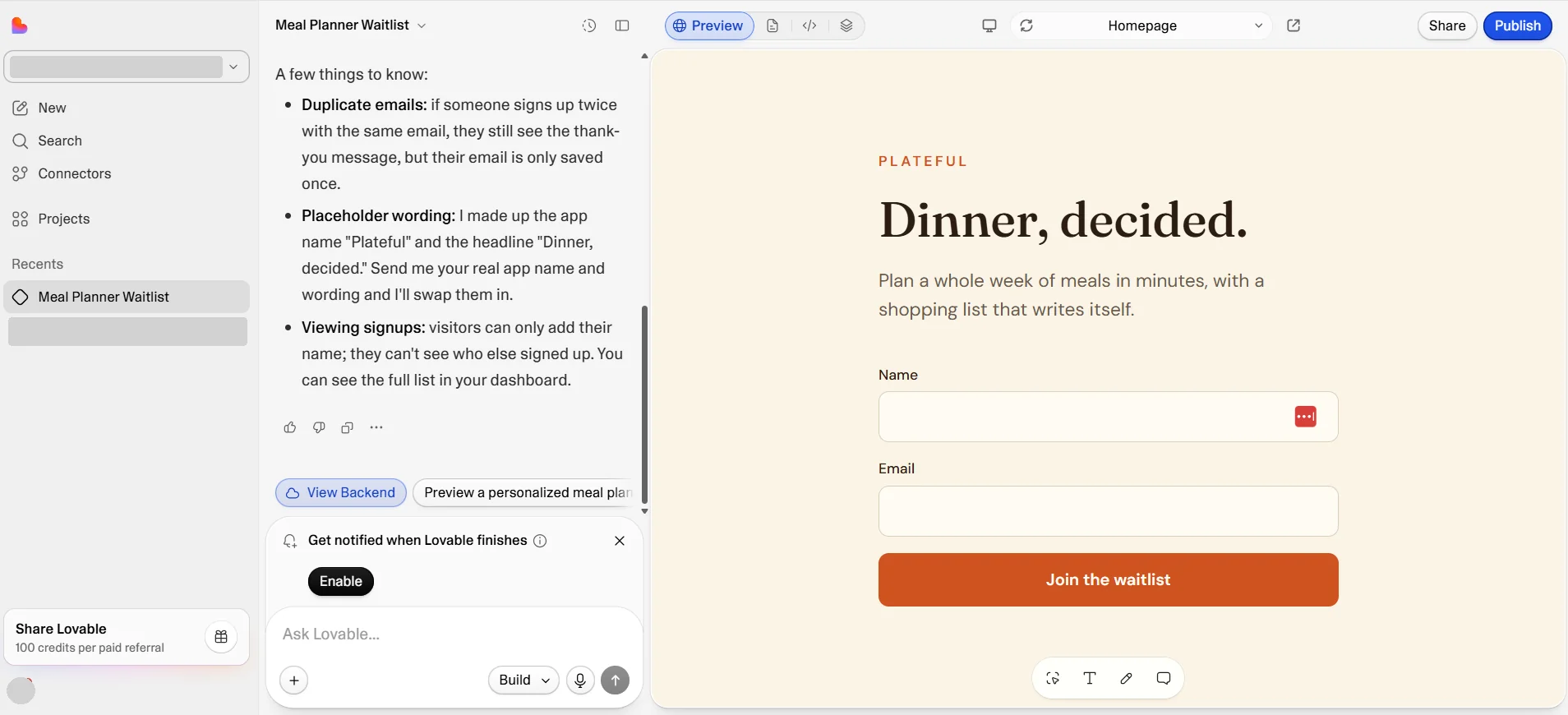
1. Lovable: best for non-technical founders
Lovable builds full-stack web apps from a chat. You describe the app, Lovable writes a React front end, and its built-in backend, Lovable Cloud, adds the database, authentication, storage, and hosting. Lovable Cloud is built on Supabase, so the data layer is a standard Postgres database. It is also the fastest-growing tool in this list: TechCrunch reported that Lovable crossed $600 million in annual run-rate revenue in September 2026.
- Backend: Lovable Cloud includes a database, auth, storage, edge functions, and hosting.
- Email: paid plans include built-in transactional emails (50,000 per month per workspace, then billed in credits). For marketing emails, SMS, and contact lists, Lovable has an official Brevo connector that works both in the chat and in your published app.
- Code ownership: two-way GitHub sync on all plans.
- MCP: custom MCP servers on all plans, used in the chat while you build.
- Pricing: free plan with 5 daily credits (up to 30 per month); Pro from $25/month.
Pros: the most polished results for non-coders, a real backend included, and the highest Trustpilot rating among the big names.
Cons: credits go quickly on larger projects, and the generated security rules need checking before launch (more on that below).
2. Replit: best for building and hosting in one place
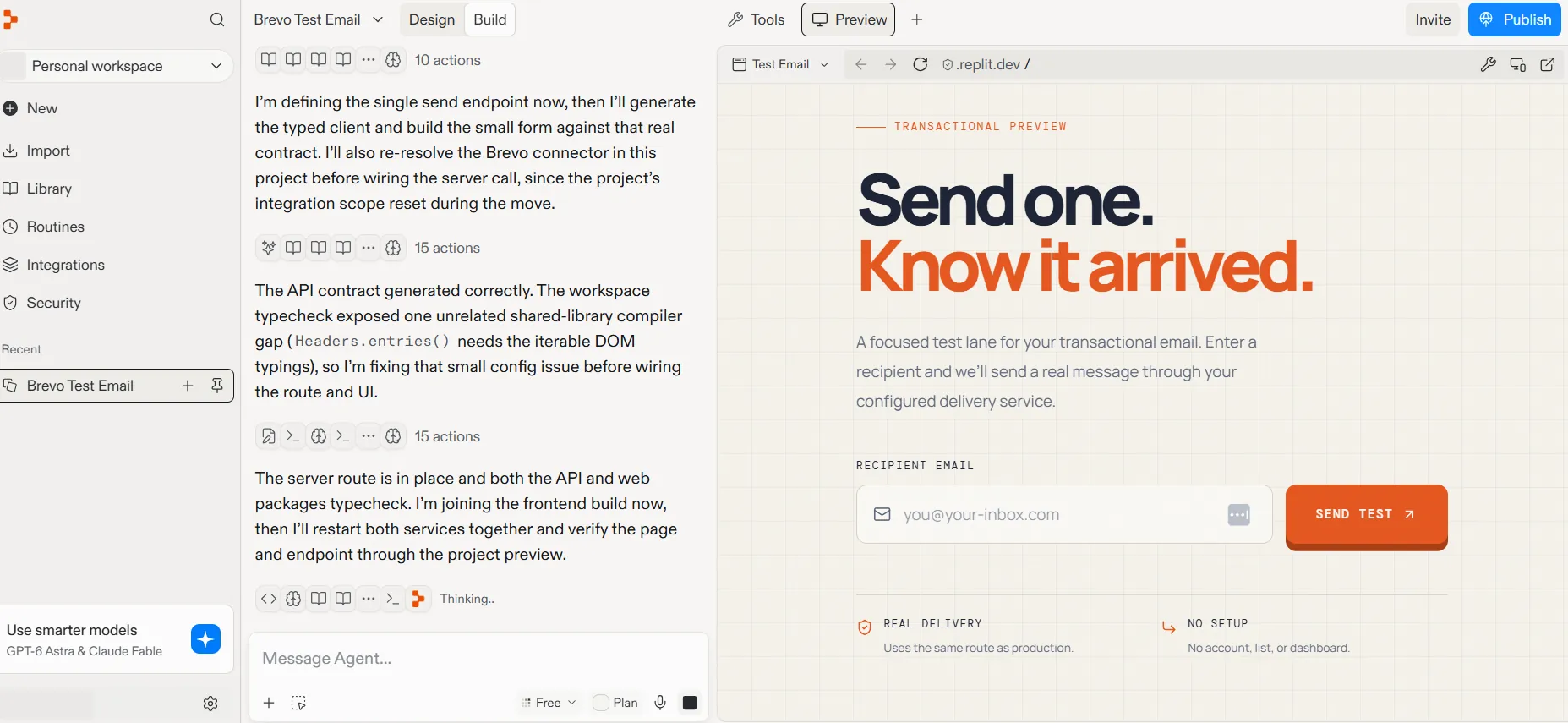
Replit started as a browser-based code editor and now centers on Replit Agent, which builds, tests, and deploys apps from a prompt. Everything runs on Replit: development, the database, and production hosting. TechCrunch reported that Replit's annualized revenue grew from $2.8 million to $150 million in less than a year in 2025.
- Backend: a managed PostgreSQL database in every app, Replit Auth, and built-in publishing.
- Email: no built-in email service, but Replit has connectors for several providers, including a native Brevo connector. You add your Brevo API key once in Integrations, and your app sends email through Replit's proxy without the key ever appearing in your code. SendGrid, Resend, and AgentMail have connectors too.
- Code ownership: GitHub sync.
- MCP: custom MCP servers with authentication headers, plus 40+ preset servers.
- Pricing: free Starter plan (your one published app goes offline after 30 days); Core from $20/month.
Pros: the most complete environment for full-stack apps, with real code you can open and edit at any point.
Cons: usage-based billing is hard to predict, which is the most common complaint in Trustpilot reviews.
With the Brevo connector enabled, Replit Agent can also read your Brevo account while it builds, for example to check which senders are verified before it writes the sending code.
3. Bolt: best for fast prototypes
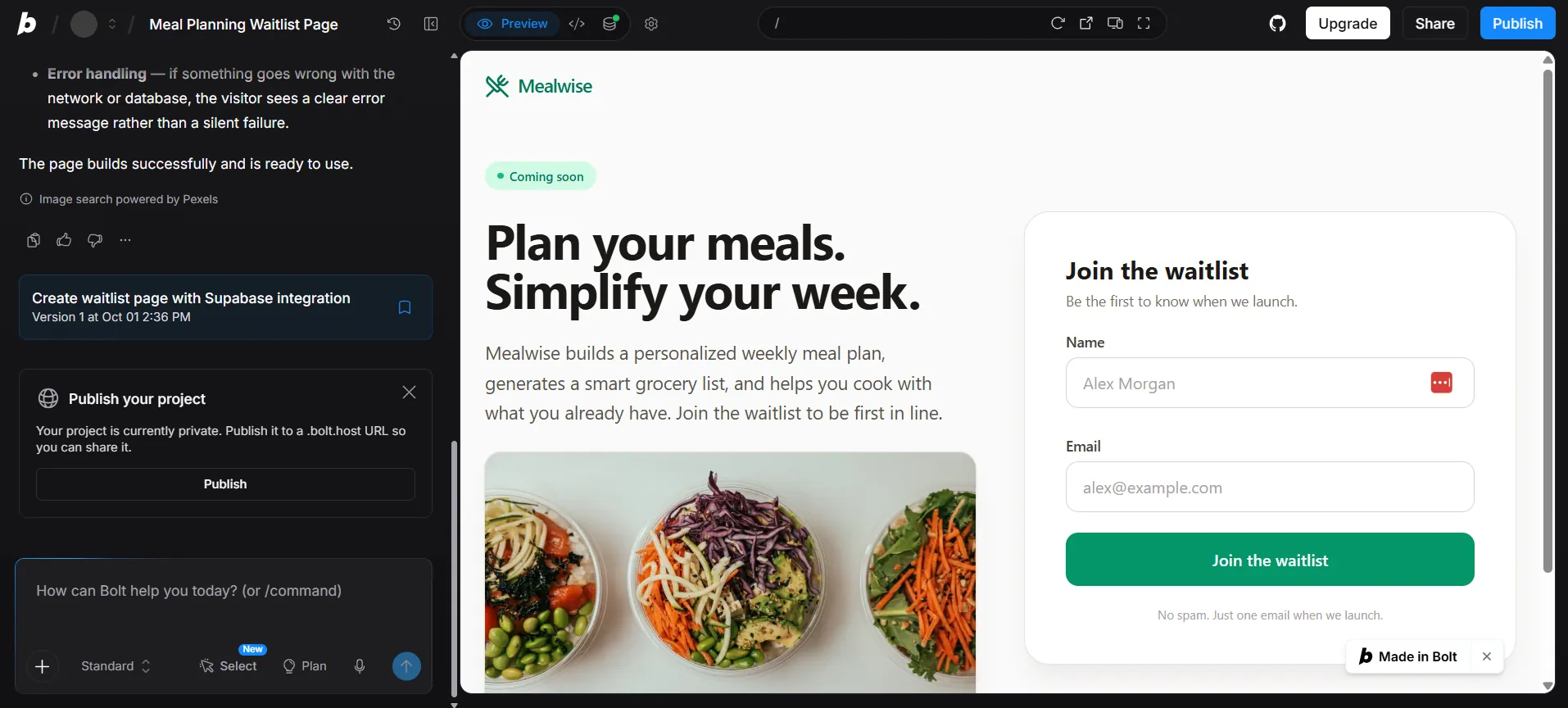
Bolt, from StackBlitz, runs entirely in the browser with no setup. You type a prompt and get a running app in a few minutes, which makes it a good fit for testing ideas and building quick MVPs.
- Backend: Bolt Database (PostgreSQL, built on Supabase) with built-in auth, file storage, server functions, and free hosting on a bolt.host address. Pro and Teams users can connect their own Supabase project instead.
- Email: no built-in sending. Bolt writes a server function that calls an email provider's API with your key. Its docs say it typically uses Resend, but any provider with an HTTP API works, Brevo included.
- Code ownership: zip download and two-way GitHub sync.
- MCP: custom MCP connectors.
- Pricing: free plan with 300K tokens per day (1M per month); Pro from $25/month.
Pros: the quickest path from idea to running app, with generous free tokens and code you can download.
Cons: token use climbs fast when the AI loops on errors, and its Trustpilot rating is low.
4. v0: best for React and Next.js front ends
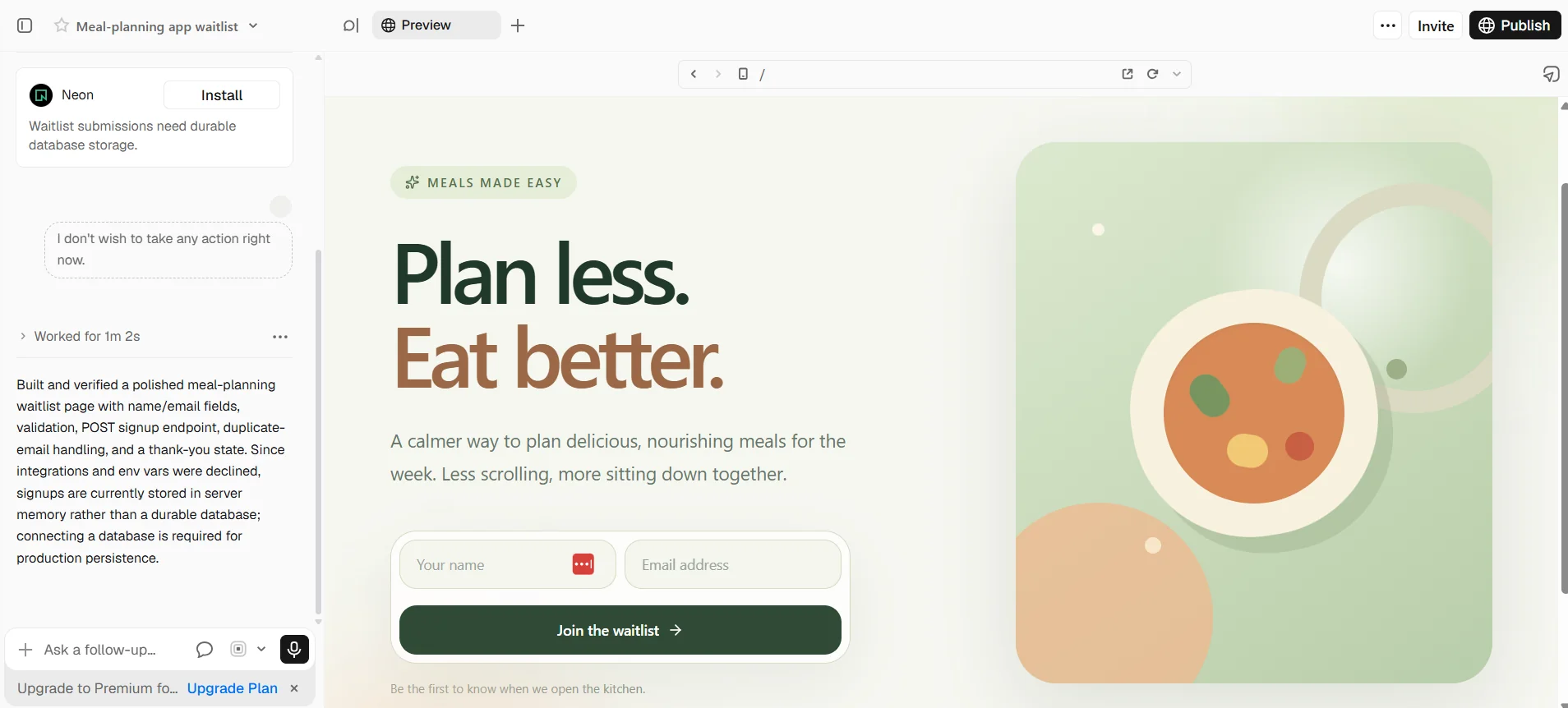
v0, by Vercel, generates React and Next.js apps with clean, modern interfaces and deploys them to Vercel in one click. It is the strongest choice when the front end matters most, or when your team already uses Next.js.
- Backend: no built-in database. v0 integrates with Supabase, Neon, Upstash, and Vercel Blob, and server logic runs in Next.js API routes. Clerk (auth) and Resend (email) became one-click integrations in September 2026.
- Email: through an integration or your own API route. To use Brevo, have v0 write a Next.js API route that calls the Brevo email API with your key stored as an environment variable.
- Code ownership: two-way GitHub sync and code export.
- MCP: custom MCP servers.
- Pricing: free plan with 7 messages per day; Plus from $30/user/month.
Pros: production-grade Next.js code and the smoothest deployment path.
Cons: you assemble the backend from separate services, and recent pricing changes drive most of its negative reviews.
5. Base44: best all-in-one builder with built-in email
Base44 generates web apps with authentication, a database, and hosting included on every plan, so a non-technical user never has to connect a separate service.
- Backend: built-in auth, user management, database, and storage.
- Email: a built-in SendEmail integration that needs no setup. On any plan it can email your app's registered users. Emailing anyone else requires a paid plan and a verified domain, and built-in emails don't support mailing lists or attachments.
- Code ownership: two-way GitHub sync from the Builder plan ($40/month billed annually), but the code still runs against Base44's backend.
- MCP: custom MCP servers from the Builder plan, available in the editor chat only.
- Pricing: free plan with 25 message credits per month; Starter from $16/month billed annually.
Pros: the simplest setup for an app that needs to email its own users.
Cons: the strongest platform lock-in in this list, and code export requires a higher plan.
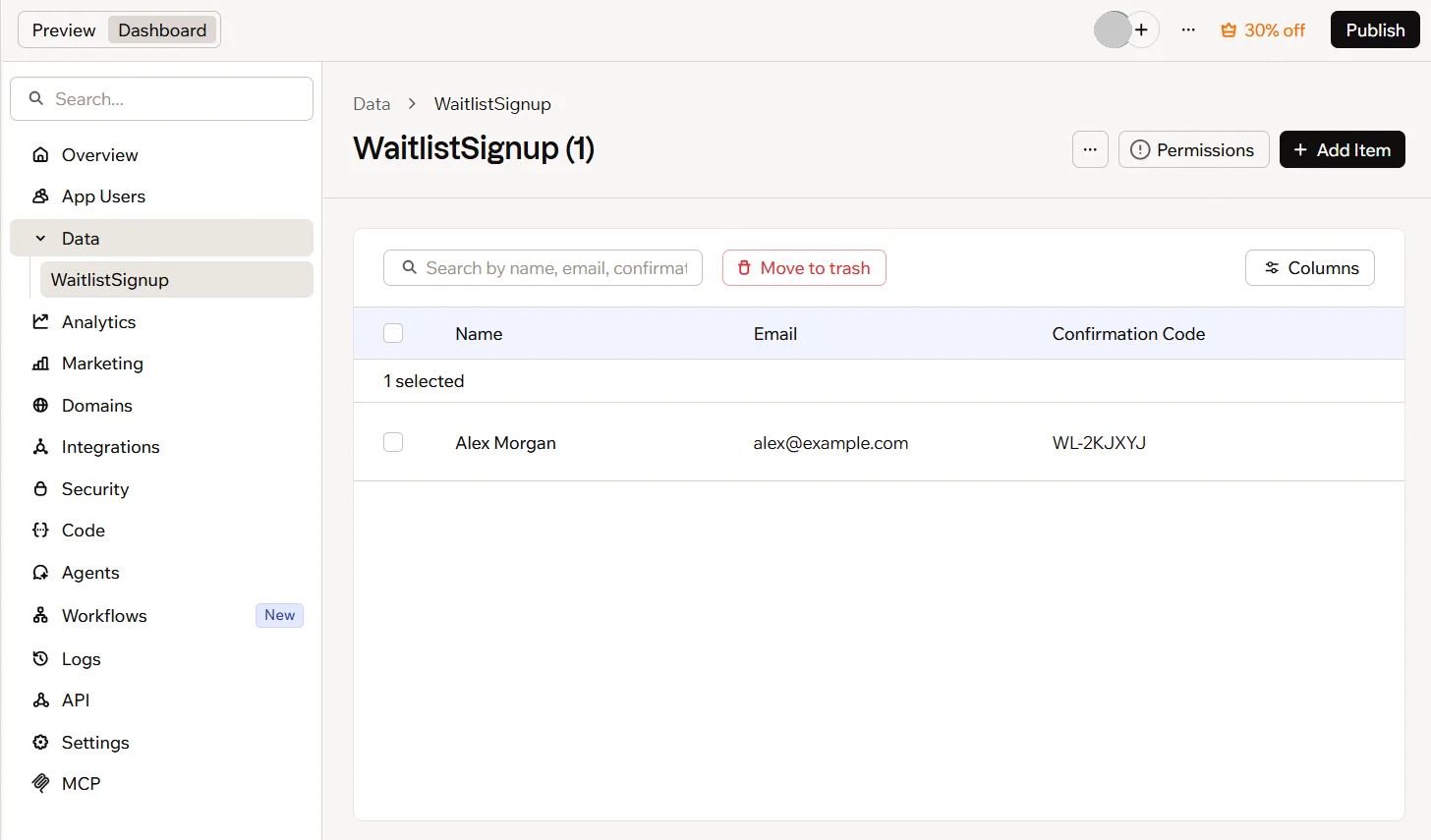
6. Rocket: best for production apps on your own Supabase
Rocket generates web and mobile apps on a Next.js and Supabase stack, using your own Supabase account, connected through OAuth. Your data and users live in a project you control from day one.
- Backend: your Supabase project provides the Postgres database, auth (email/password, Google, GitHub), storage, and edge functions. Rocket hosts the app or publishes it to your custom domain.
- Email: through connectors. Rocket has an official Brevo connector to send transactional emails, run SMS campaigns, and sync CRM contacts.
- Code ownership: full source download and GitHub sync.
- MCP: no custom MCP server support documented.
- Pricing: 20 free one-time credits; Pro from $25/month.
Pros: no backend lock-in, and the best Trustpilot rating in this list.
Cons: the free credits don't renew, so you can't test it for long without paying.
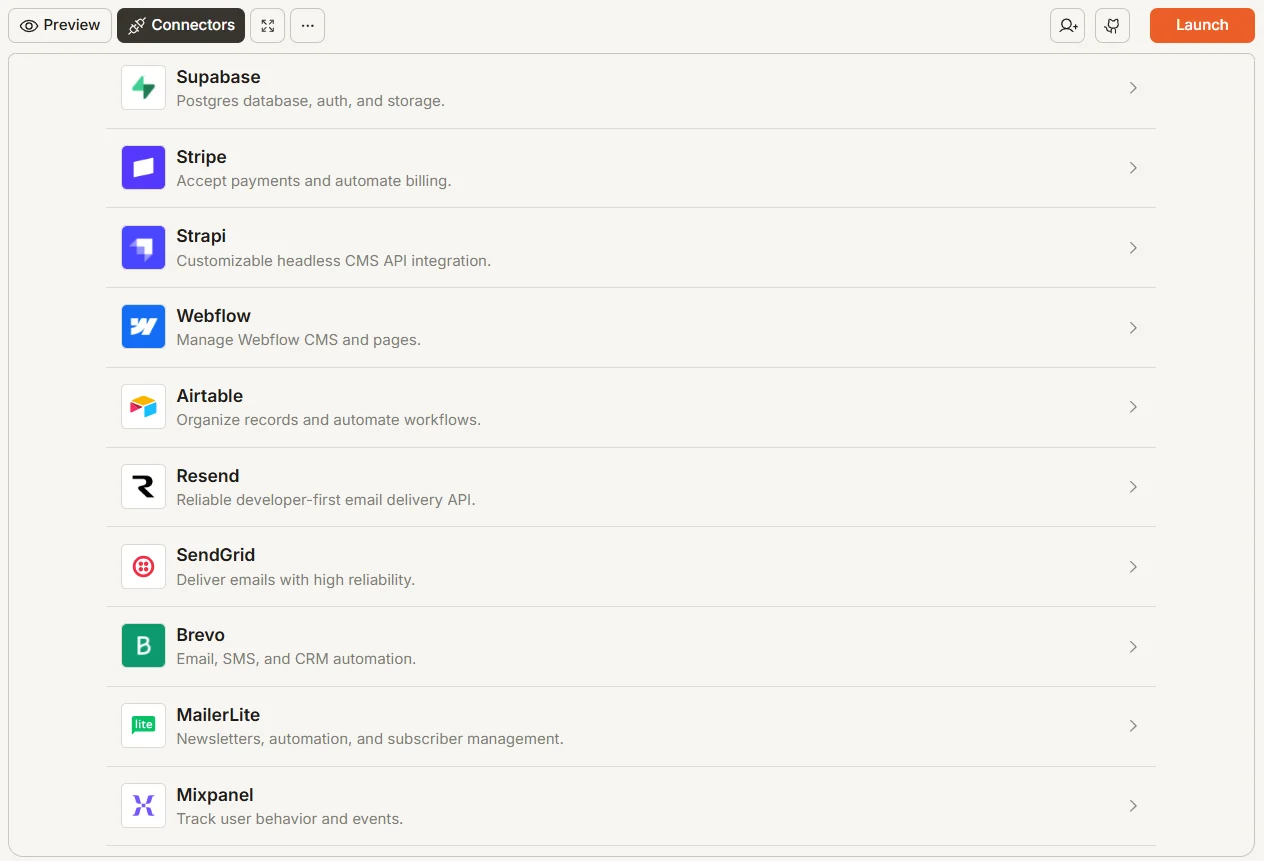
7. Softr: best for business apps without code
Softr's AI app builder generates the interface, database, and workflows of a business app from a description: client portals, internal tools, CRMs, and dashboards. It doesn't produce code you maintain, which is the point for teams that want a no-code tool they can edit visually.
- Backend: native Softr Databases or external data sources, built-in user login (including magic links), and hosting, with user data stored in Germany.
- Email: built-in system emails (invites, codes, password resets). For everything else, Softr has a native Brevo integration in its workflows to manage contacts and deals and send confirmation, follow-up, or notification emails.
- Code ownership: no code export.
- MCP: Softr offers its own MCP server so AI agents can query your data and build apps.
- Pricing: free plan; Basic from $19/month billed annually ($25 monthly).
Pros: the fastest route to a working internal tool or client portal, maintained without code.
Cons: you stay on Softr, and it isn't built for consumer apps or custom logic.
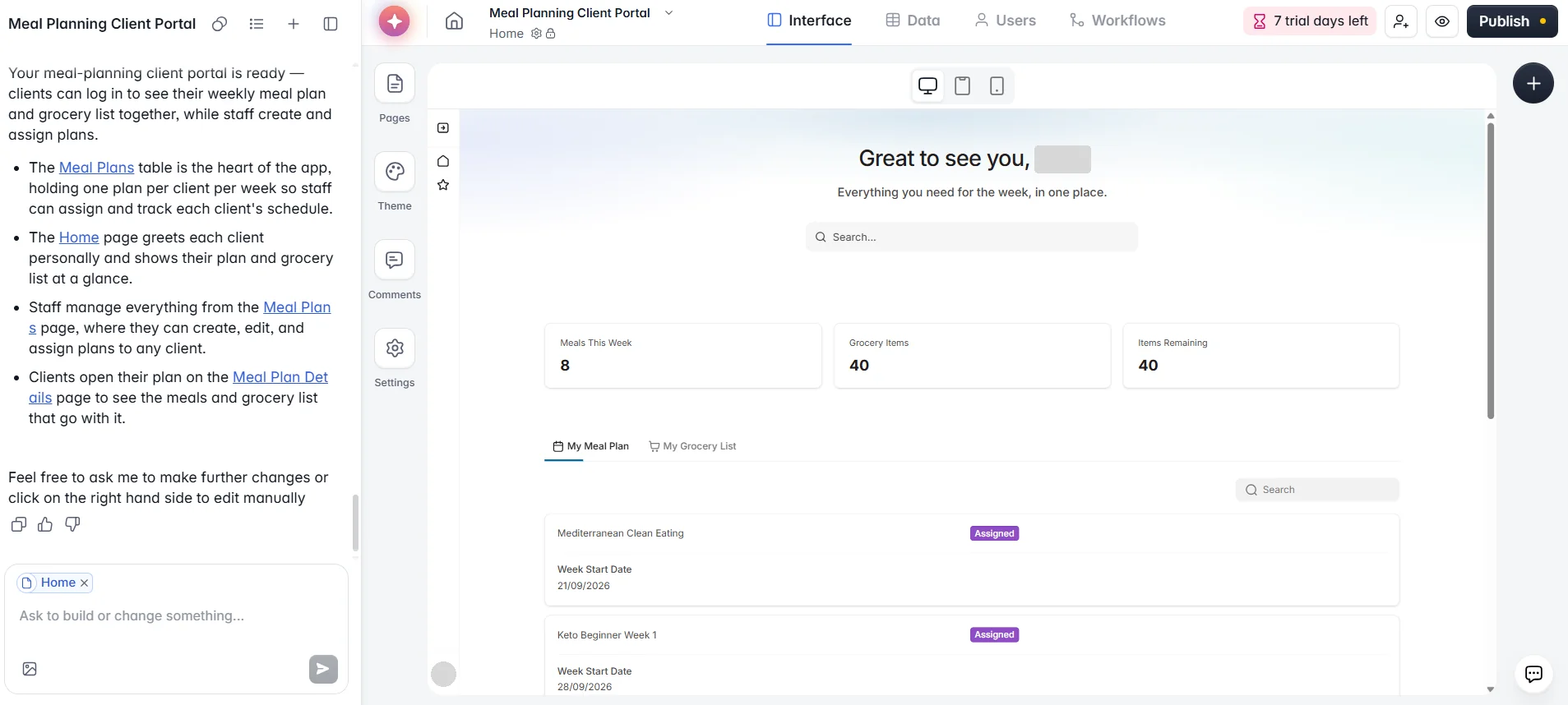
8. Cursor: best AI code editor for developers
Cursor is an AI-first code editor built on VS Code. Its agent edits across multiple files, runs commands, and works with models from several providers inside your existing project. It doesn't host anything: you bring your own stack.
- Backend: none built in. You use whatever database, auth, and hosting your project already has.
- Email: your code calls any provider's API or SDK.
- Code ownership: the code lives in your own repository.
- MCP: custom MCP servers in .cursor/mcp.json, for one project or globally.
- Pricing: free Hobby plan with limited agent requests; Individual from $20/month.
With Brevo's MCP server connected, Cursor's agent can check your verified senders and templates while it writes the sending code, instead of guessing.
Pros: full control over the code and the stack, with AI built into the editor developers already know.
Cons: you need to read and review code, and its Trustpilot reviews are dominated by pricing complaints.
9. Claude Code: best terminal agent for large codebases
Claude Code is Anthropic's agentic coding tool. It runs in the terminal or your IDE, reads your whole codebase, and plans and makes changes across many files, running tests and commands as it goes. It suits experienced developers working on large or complex projects.
- Backend: none built in; it works in your existing repository.
- Email: your code calls any provider's API or SDK.
- Code ownership: your code stays in your own repository.
- MCP: custom MCP servers over HTTP, at local, project, or user scope.
- Pricing: included in Claude Pro ($20/month, or $17/month billed annually) and higher plans; not in the free plan.
To give Claude Code access to your Brevo account, add Brevo's MCP server with an MCP key:
Pros: the deepest codebase understanding in this list, with the agent doing multi-step work on its own.
Cons: terminal-first, so it isn't meant for non-developers.
Which vibe coding app should you start with?
If you are choosing your first vibe coding platform, match the tool to your profile rather than to rankings:
| If you… | Start with |
|---|---|
| Have never coded and want a consumer web app | Lovable |
| Need a client portal or internal tool for your business | Softr |
| Want the backend, hosting, and email handled with no setup | Base44 or Replit |
| Want to test an idea in an afternoon | Bolt |
| Care most about the front end, or already use Next.js | v0 |
| Want your data in your own Supabase project from day one | Rocket |
| Are a developer working in an existing codebase | Cursor or Claude Code |
Whatever you pick, three habits save time and credits: start with one small, clearly defined feature, connect GitHub early so you have a history of every change, and test on the free plan before you commit to a paid one.
What vibe coding apps don't handle for you
Email that reaches the inbox
Almost every real app needs email: signup confirmations, password resets, receipts, and notifications. Here is how each tool handles it:
| Tool | Built-in email | Brevo option |
|---|---|---|
| Lovable | Transactional, paid plans | Official connector |
| Replit | No | Native connector |
| Bolt | No | Server function calling the Brevo API |
| v0 | No | Next.js API route calling the Brevo API |
| Base44 | Yes, to registered users | Custom integration |
| Rocket | No | Official connector |
| Softr | System emails only | Native workflow integration |
| Cursor | No | MCP server + your code |
| Claude Code | No | MCP server + your code |
Built-in email works for a first version, but it usually covers transactional emails only. Once you need onboarding sequences, newsletters, SMS, or a contact list you can segment, you need a dedicated platform. Whichever provider you use, authenticate your sending domain with SPF, DKIM, and DMARC, or your emails may land in spam. For a broader comparison, see our guide to the best transactional email services.
Brevo covers transactional email, marketing campaigns, SMS, WhatsApp, and CRM from one account, with an email API any of these tools can call. Its free plan includes 300 emails per day with full API access, no credit card needed.
Security checks
AI-generated code isn't secure by default. Veracode tested code from more than 100 language models and found that AI-generated code introduced security vulnerabilities in 45% of cases. In one real-world scan of 1,645 projects from Lovable's showcase, researchers found 170 with database access rules weak enough to expose user data. Before launch, check who can read and write each table, keep API keys in the platform's secrets manager, and never call an email or payment API from the browser.
Predictable costs
Credit-based pricing is the most common complaint across these tools' reviews. A prompt that sends the AI into a loop of fixes can use as many credits as a new feature. Set spending limits where the platform offers them, and keep prompts small and specific.
What about n8n and Make?
n8n and Make often come up in vibe coding discussions, but they are workflow automation tools, not app builders. They connect services ("when a form is submitted, add the contact to a list and send a Slack message") rather than generating an app with its own interface and code.
The line is getting thinner, though. Both now build workflows from natural language: n8n with n8n Assistant (in preview), and Make with Maia (in public beta on paid plans, with a 30-day trial on the free plan). You could call it vibe automation.
In practice, they work best alongside a vibe coding app: you build the app in Lovable or Replit, and n8n or Make automates what happens around it. Both integrate with Brevo, through n8n's Brevo node and Make's Brevo app, so you can sync new signups to a list or trigger an automated onboarding sequence without writing code.
Choosing the best vibe coding app for your project
There is no single best vibe coding app. Lovable leads for non-technical founders, Replit and Base44 handle the most backend work for you, Bolt is the fastest way to test an idea, v0 produces the best Next.js front ends, Rocket and Softr have the happiest reviewers, and Cursor and Claude Code give developers full control.
Pick the one that fits your skills, then plan for what comes after the demo: auth, security, and email. When your app is ready to send its first welcome email, Brevo's email API works with every tool in this list, and the free plan lets you test it with 300 emails per day, no credit card needed.