EMAIL MCP SERVER
Email MCP: connect ChatGPT, Claude and your editor to Brevo
Start with the official ChatGPT plugin or Claude connector, no key needed. Add the MCP server and a token in Claude Code, Cursor or VS Code for sending, CRM deals and transactional email.
WHAT IS AN EMAIL MCP SERVER?
Connect your AI assistant to Brevo
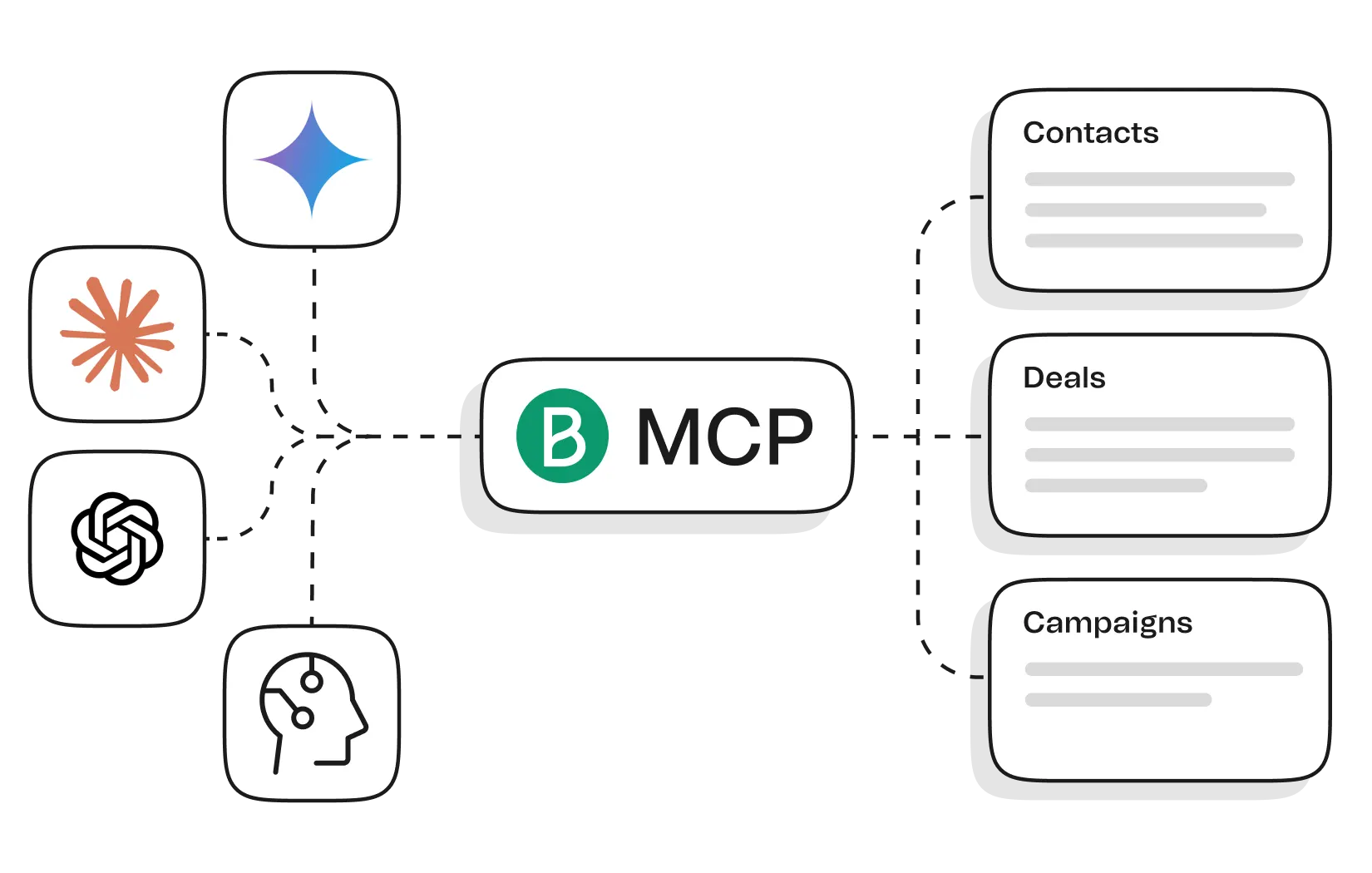
An email MCP server connects an AI assistant to your email marketing account through the Model Context Protocol. Brevo's server covers email campaigns, analytics, contacts, segments, email templates, CRM deals and transactional email. Use the ChatGPT plugin or Claude connector for drafts, and the MCP server with a token for the rest.Start with a question, review the result, and decide what to do next.How it works
claude mcp add --transport http --scope user brevo https://mcp.brevo.com/v1/brevo/mcp \
  --header "Authorization: Bearer paste-your-mcp-token-here"
{
  "mcpServers": {
    "brevo": {
      "command": "npx",
      "args": [
        "mcp-remote",
        "https://mcp.brevo.com/v1/brevo/mcp",
        "--header",
        "Authorization: Bearer ${BREVO_MCP_TOKEN}"
      ],
      "env": {
        "BREVO_MCP_TOKEN": "paste-your-mcp-token-here"
      }
    }
  }
}
{
  "mcpServers": {
    "brevo": {
      "url": "https://mcp.brevo.com/v1/brevo/mcp",
      "headers": {
        "Authorization": "Bearer paste-your-mcp-token-here"
      }
    }
  }
}
{
  "servers": {
    "brevo": {
      "type": "http",
      "url": "https://mcp.brevo.com/v1/brevo/mcp",
      "headers": {
        "Authorization": "Bearer paste-your-mcp-token-here"
      }
    }
  }
}
Connect Brevo to ChatGPT and onboard me.

If the Brevo plugin is not installed, guide me through it:
open Plugins > Browse plugins, search for Brevo and click
Install plugin. Then click Sign in with Brevo and Authorize.
There is no API key to paste.

If my workspace needs admin approval for plugins, tell me what
to ask my admin.

The plugin reads campaigns, templates, contacts, lists and
segments, and creates email and SMS drafts only. It never sends
anything.

Only if I ask for something the plugin cannot do, such as sending,
CRM deals, the Conversations inbox or transactional email, tell me
to use the Brevo MCP server from an MCP client in the Brevo setup
guide: https://developers.brevo.com/docs/integration-guide

Once it is connected, confirm it works by pulling the contact
stats for one of my lists. Then suggest three first tasks the
plugin can do for me, and run the one I pick.
Connect Brevo to Claude and onboard me.

Start with the native Brevo connector. If it is not connected,
guide me through it: go to Customize > Connectors, search for
Brevo, log in to my Brevo account and click Authorize. There is
no API key to paste.

The connector reads campaigns, templates, A/B results, contacts,
lists and segments, and creates email and SMS drafts. It never
sends, schedules or deletes anything.

Only if I ask for something the connector cannot do, such as
sending, CRM deals, the Conversations inbox or transactional
email, guide me through the Brevo MCP server as a fallback:
1. Create an MCP token: Account > SMTP & API > API Keys, click
   Generate a new API key, then turn on Create MCP server API key.
2. In Claude Desktop, add a server named brevo to
   claude_desktop_config.json that runs npx mcp-remote with
   https://mcp.brevo.com/v1/brevo/mcp and the header
   "Authorization: Bearer ${BREVO_MCP_TOKEN}". Node.js is required.
3. Quit and reopen Claude Desktop.
Never ask me to paste the token into this chat.

Once Brevo is connected, confirm it works by pulling the contact
stats for one of my lists. Then suggest three first tasks, and
run the one I pick.
Connect Brevo to Claude Code and onboard me.

First, run claude mcp list and check whether a server named
brevo is registered.

If it is missing, guide me through creating a Brevo MCP token:
Account > SMTP & API > API Keys, click Generate a new API key,
then turn on Create MCP server API key.

Then have me run this command myself, so the token never appears
in our chat:

claude mcp add --transport http --scope user brevo https://mcp.brevo.com/v1/brevo/mcp --header "Authorization: Bearer <my-mcp-token>"

If Claude Code needs a restart to load the server, guide me
through that before continuing.

Once Brevo is connected, confirm it works by telling me how many
contacts and lists I have. Then look at my account, suggest
three first tasks I could hand you, and run the one I pick.
Connect Brevo to Codex and onboard me.

Codex uses the same Brevo plugin as ChatGPT. If it is not
installed, guide me through it: in ChatGPT, open Plugins >
Browse plugins, search for Brevo, click Install plugin, then
Sign in with Brevo and Authorize. No API key to paste.

Also add the read-only Brevo docs server, so you can look up API
endpoints and SDK methods while we build:

codex mcp add brevo-docs --url https://developers.brevo.com/_mcp/server

The docs server needs no key and never touches my account.

The plugin reads campaigns, templates, contacts, lists and
segments, and creates email and SMS drafts only. It never sends
anything.

Once it is connected, confirm it works by pulling the contact
stats for one of my lists. Then suggest three first tasks the
plugin can do for me, and run the one I pick.
Connect Brevo to Cursor and onboard me.

First, check whether ~/.cursor/mcp.json already has a server
named brevo.

If it is missing, guide me through creating a Brevo MCP token:
Account > SMTP & API > API Keys, click Generate a new API key,
then turn on Create MCP server API key.

Then add this server to mcp.json and let me paste the token into
the file myself:

"brevo": {
  "url": "https://mcp.brevo.com/v1/brevo/mcp",
  "headers": { "Authorization": "Bearer <my-mcp-token>" }
}

Remind me to restart Cursor after saving.

Once Brevo is connected, confirm it works by telling me how many
contacts and lists I have. Then look at my account, suggest
three first tasks I could hand you, and run the one I pick.
Connect Brevo to VS Code with GitHub Copilot and onboard me.

First, check whether .vscode/mcp.json or my user-level mcp.json
already has a server named brevo.

If it is missing, guide me through creating a Brevo MCP token:
Account > SMTP & API > API Keys, click Generate a new API key,
then turn on Create MCP server API key.

Then add this under "servers" and let me paste the token into
the file myself:

"brevo": {
  "type": "http",
  "url": "https://mcp.brevo.com/v1/brevo/mcp",
  "headers": { "Authorization": "Bearer <my-mcp-token>" }
}

If the file is inside a repository, make sure it is in
.gitignore so the token is never committed.

Once Brevo is connected, confirm it works by telling me how many
contacts and lists I have. Then look at my account, suggest
three first tasks I could hand you, and run the one I pick.
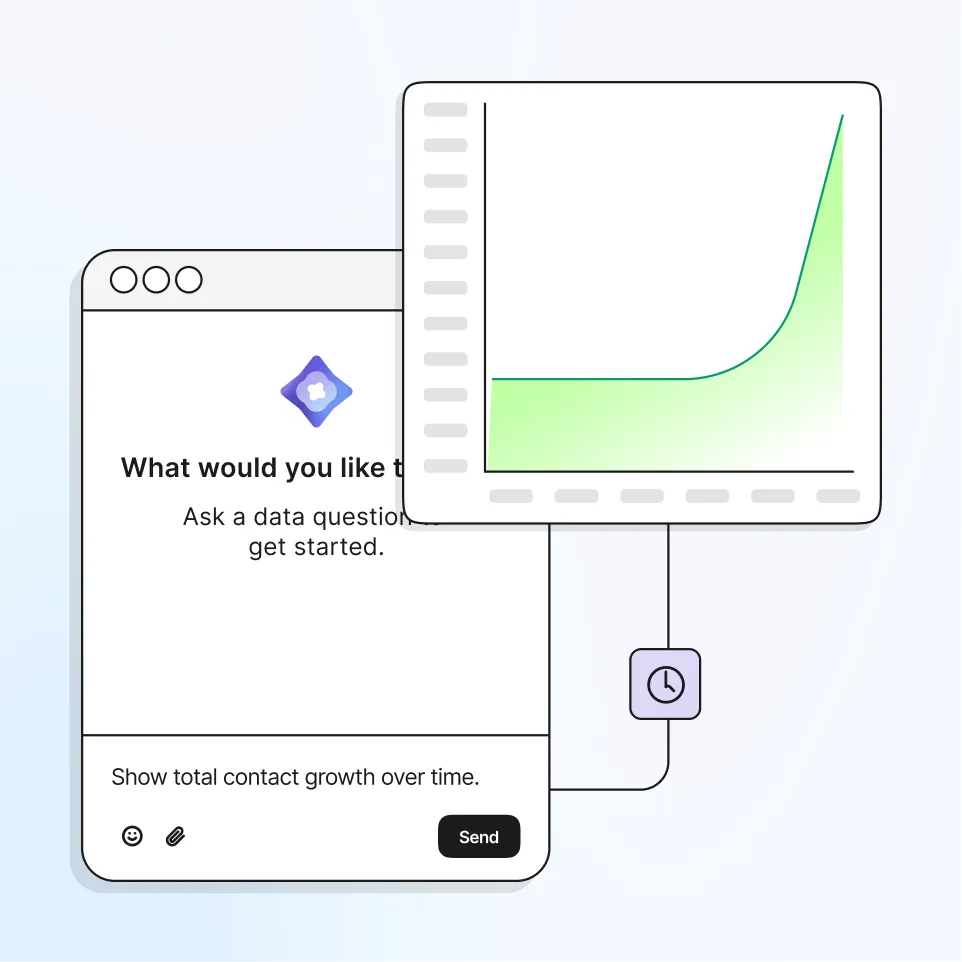
List my last five email campaigns with their open and click
rates, compare each with the one before, and write a three-line
summary.
Every Monday, list my last five email campaigns with their open
and click rates, compare each with the one before, and write a
three-line summary.
Every Monday, list my last five email campaigns with their open
and click rates, compare each with the one before, and write a
three-line summary.
Draft an email campaign to the Customers list announcing our new
pricing, with a subject line, a preview text and three
alternative subject lines. Do not send it.
Draft an email campaign to the Customers list announcing our new
pricing, with a subject line, a preview text and three
alternative subject lines. Do not send it.
Draft an email campaign to the Customers list announcing our new
pricing, with a subject line, a preview text and three
alternative subject lines. Do not send it.
Draft an email campaign to the Customers list announcing our new
pricing, with a subject line, a preview text and three
alternative subject lines. Do not send it.
Draft an email campaign to the Customers list announcing our new
pricing, with a subject line, a preview text and three
alternative subject lines. Do not send it.
Draft an email campaign to the Customers list announcing our new
pricing, with a subject line, a preview text and three
alternative subject lines. Do not send it.
How many contacts do I have, how many joined this week and which
lists did they join? Give me a short digest I can paste into
Slack.
How many contacts do I have, how many joined this week and which
lists did they join? Give me a short digest I can paste into
Slack.
How many contacts do I have, how many joined this week and which
lists did they join? Give me a short digest I can paste into
Slack.
How many contacts do I have, how many joined this week and which
lists did they join? Give me a short digest I can paste into
Slack.
How many contacts do I have, how many joined this week and which
lists did they join? Give me a short digest I can paste into
Slack.
How many contacts do I have, how many joined this week and which
lists did they join? Give me a short digest I can paste into
Slack.
Config blocks come from the Brevo developer docs and were not executed here. The prompts were tested on a real Brevo account. ChatGPT and Codex use the plugin, so they have no config block.
Why it works

The ChatGPT plugin
Reads campaign and A/B results, contacts and segments. Creates HTML templates and email and SMS drafts. Never sends, schedules or deletes. No key needed, all Brevo plans.
The Claude connector
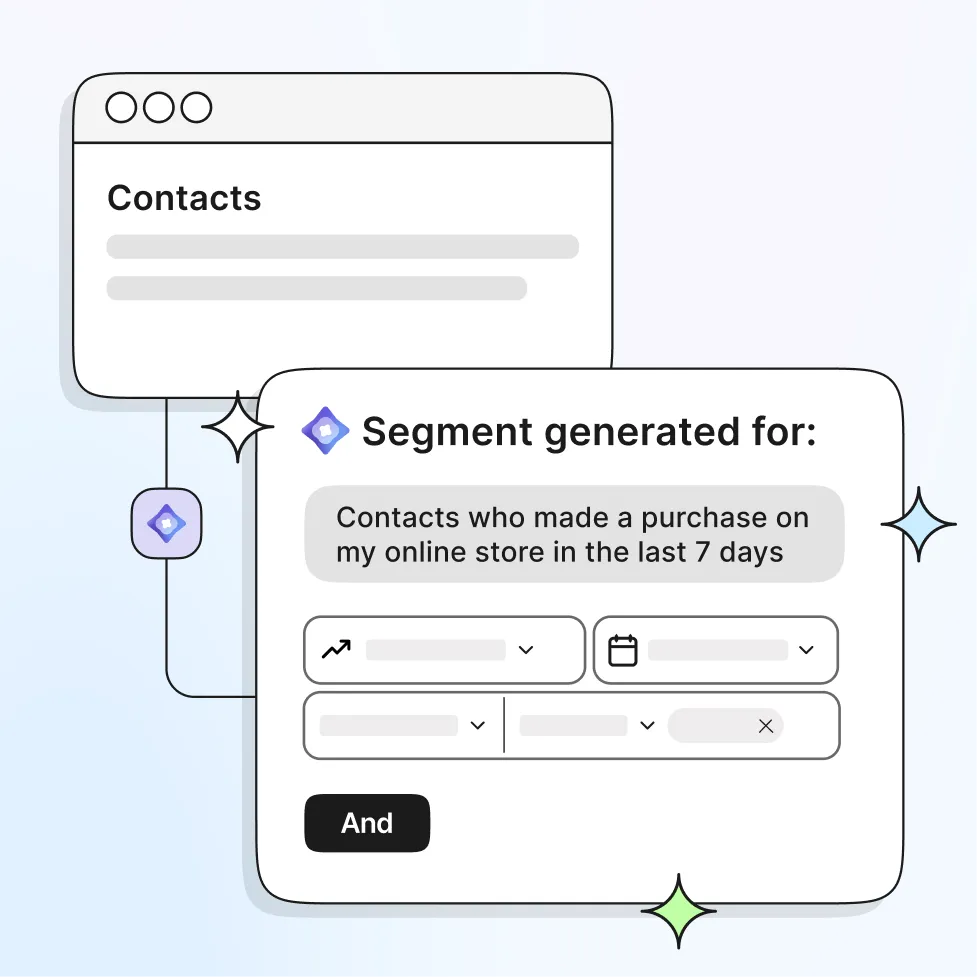
Same scope as the plugin: analyze campaigns, look up contacts, explore segments, save drafts to review. Never sends, schedules or deletes. All Brevo plans.
The MCP server for the rest
The MCP server has tools for sending campaigns, sending transactional email and creating CRM deals, and it needs an MCP token. It has full read and write access, so store the token like a password.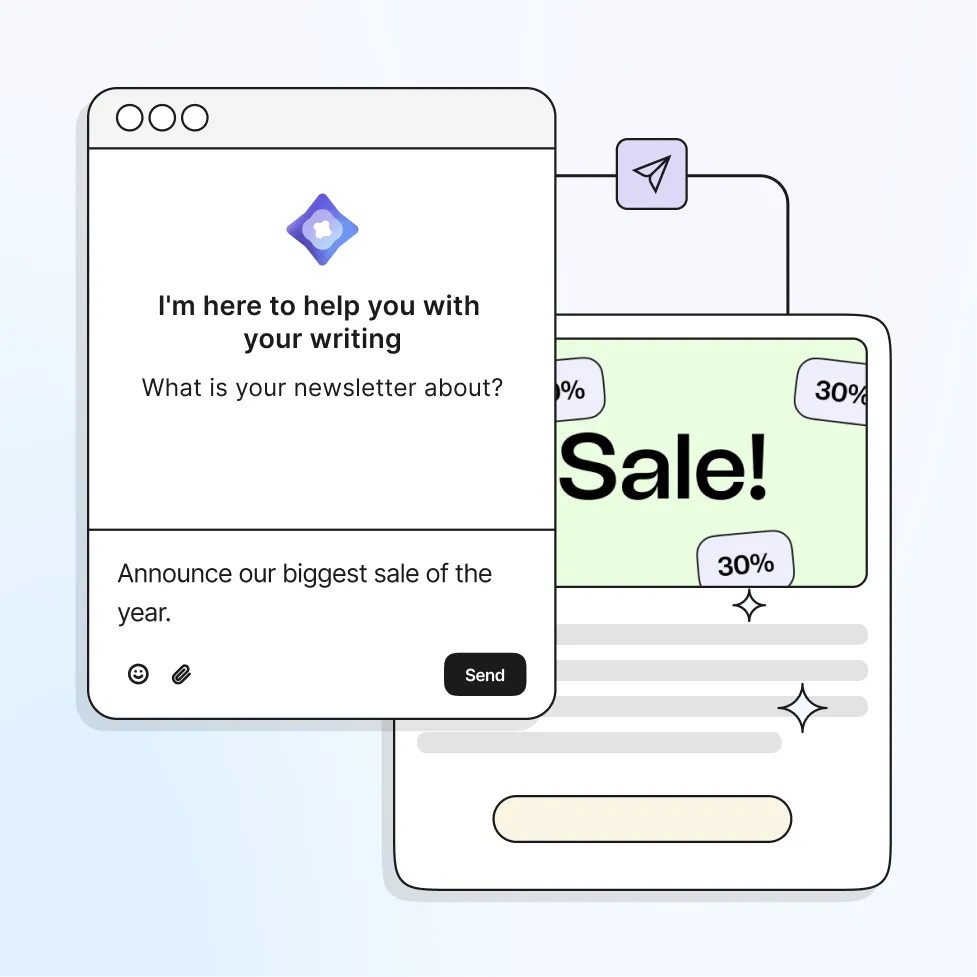
What builders say about Brevo MCP
What builders say about Brevo MCP

Anonymous user
Discover more Brevo features

Email API
Send transactional and marketing email programmatically.
Marketing automation
Build automated customer journeys across channels.
SMS marketing
Send targeted messages straight to your customers' phones.