Send Brevo emails and add contacts from v0
Add Brevo to your v0 app with a Server Action or a route handler. Then send an email or add a contact from the app you just prompted.

Why connect Brevo to v0

One variable to connect
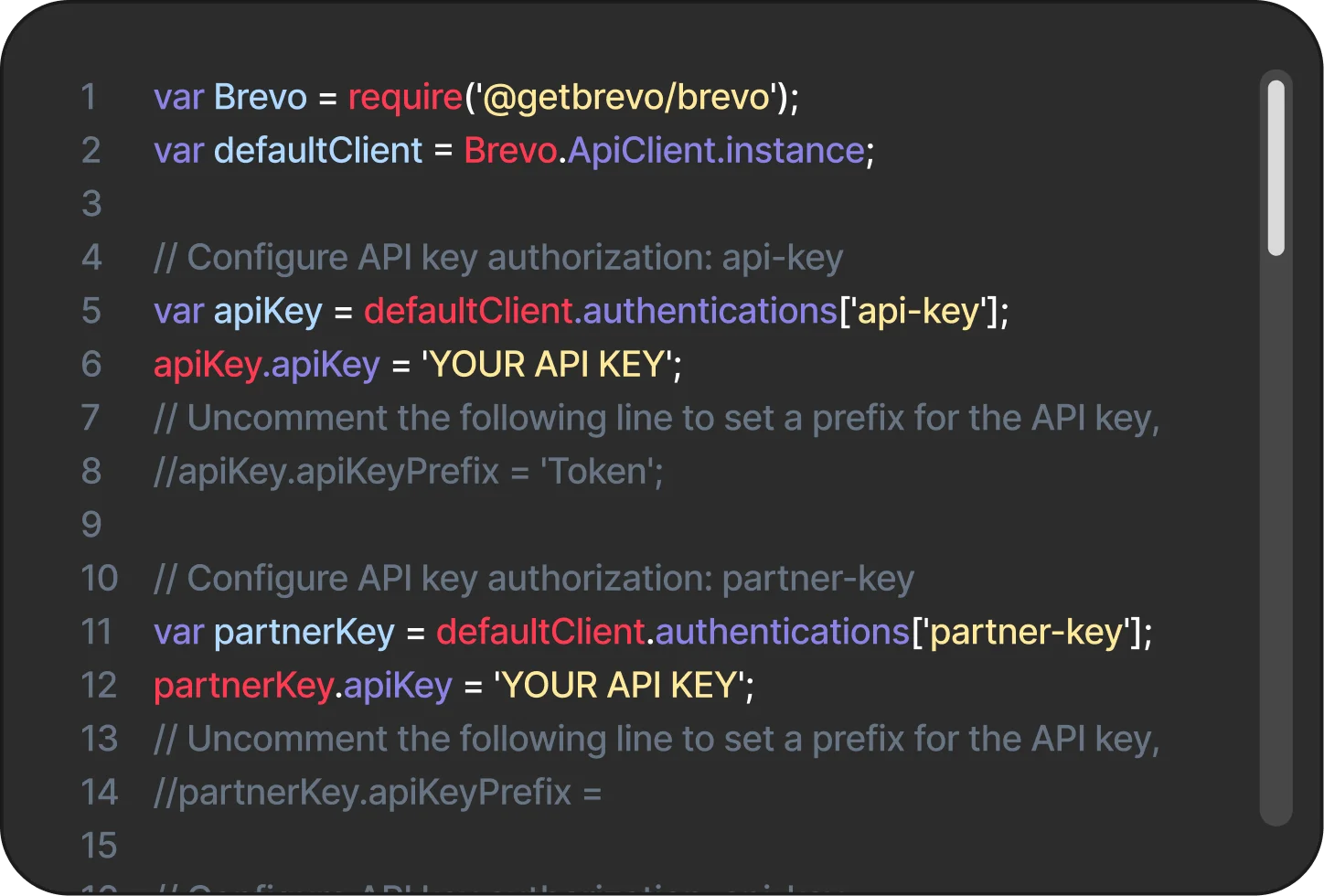
There is no Brevo integration to install in v0. Add BREVO_API_KEY as an environment variable and call the Brevo API from your v0 app.
Server side, by design
Send from a Server Action or a route handler such as app/api/send-email/route.ts. Vercel's guide recommends server-side sending so the key never reaches the browser.
One key, two places
v0 environment variables hold your API keys and secrets, and the same variables live in your Vercel project settings.What you can do with Brevo in v0
CONTACTS
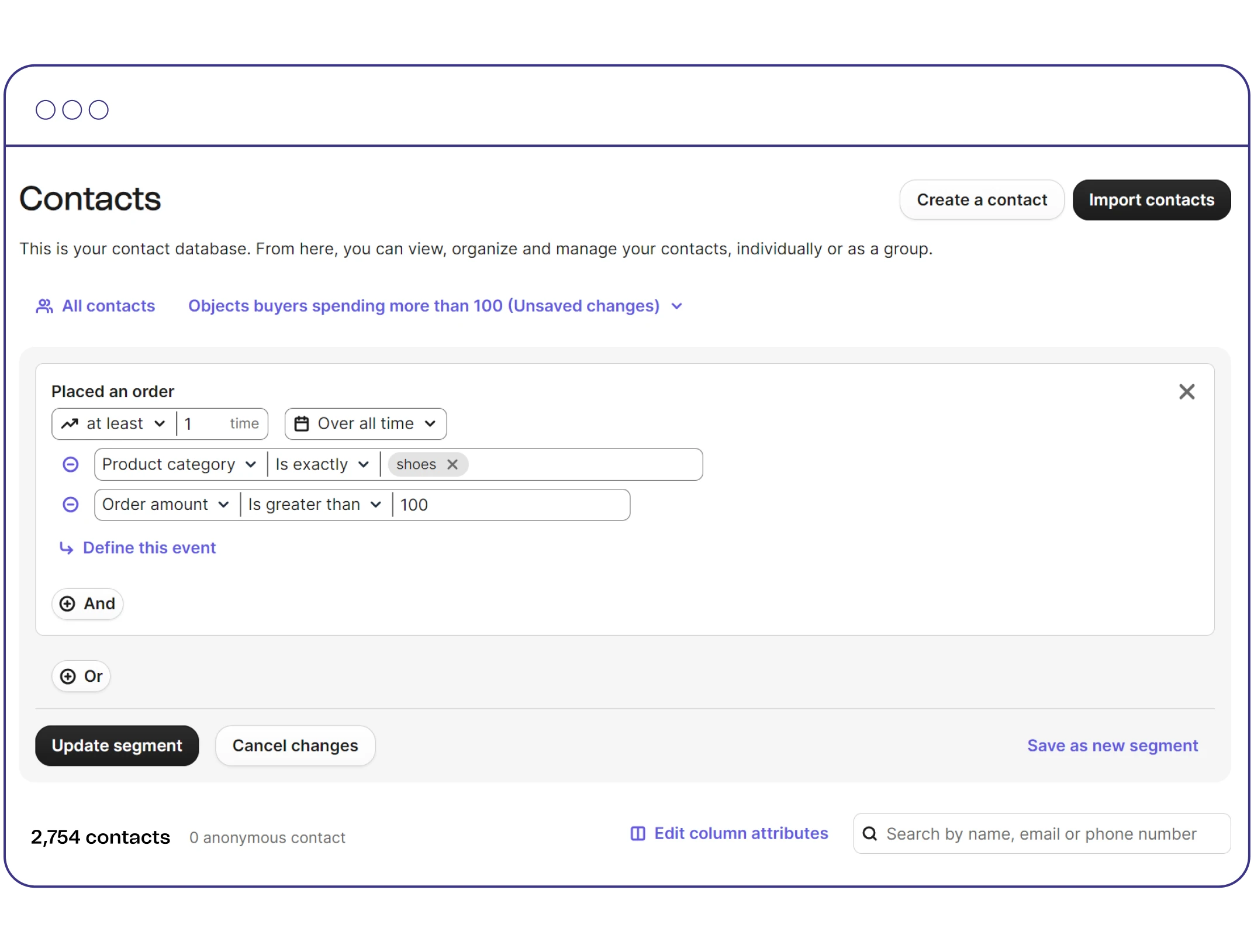
Add contacts to a list
Call POST https://api.brevo.com/v3/contacts with an email and listIds to add a signup from your v0 app to a Brevo list.
TRANSACTIONAL EMAIL
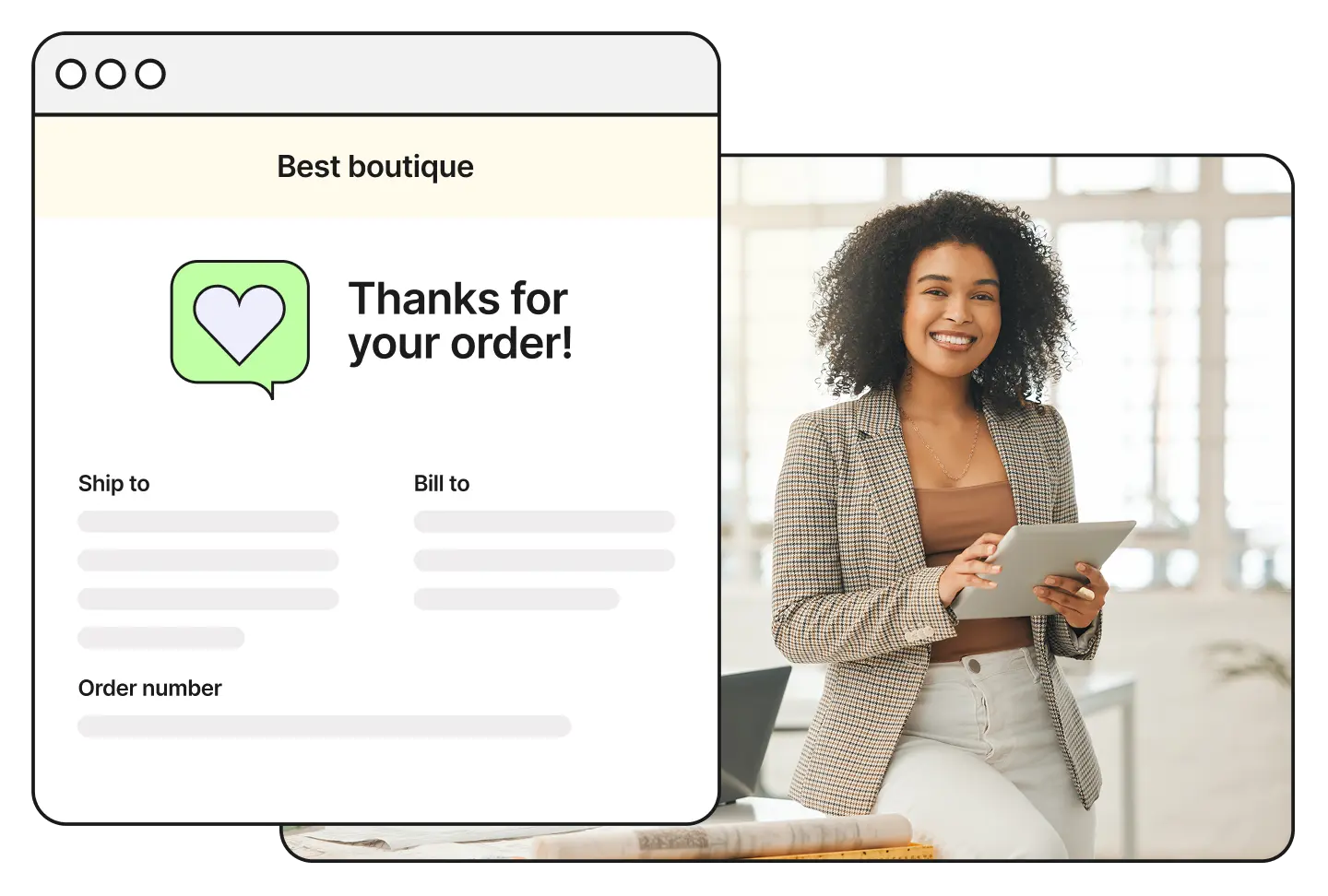
Send transactional email
Send a transactional email with POST https://api.brevo.com/v3/smtp/email from a Server Action or a route handler.
SERVER SIDE
Keep your key off the browser
Send from the server, as Vercel's guide recommends, so your BREVO_API_KEY never reaches the browser.
DEPLOY
Ship it on Vercel
v0 generates Next.js apps from a prompt and deploys them on Vercel, where the same environment variables live in your project settings.