Send email from Retool with the Brevo API
Add Brevo as a REST API resource with your API key once. Every Retool app query and Retool Workflow can then call POST /smtp/email to send transactional email.

Why connect Brevo to Retool

One resource to set up
Retool has no Brevo-specific connector. The generic REST API resource does the job: set the base URL, add one header and you are connected.
Apps and workflows
Retool apps and Retool Workflows can both use the resource, so one setup serves every query that calls Brevo.
Your key, your header
Brevo authenticates with an api-key header. Add it to the resource with your Brevo API key as the value.What you can do with Brevo in Retool
TRANSACTIONAL EMAIL
Send transactional email
Call POST /smtp/email from a Retool query to send a transactional email through the Brevo API.
APPS
Use it in Retool apps
Add the Brevo resource to a Retool app and call Brevo endpoints from its queries.
WORKFLOWS
Use it in Retool Workflows
Retool Workflows can use the same REST API resource, so your Brevo calls work there too.
API KEYS
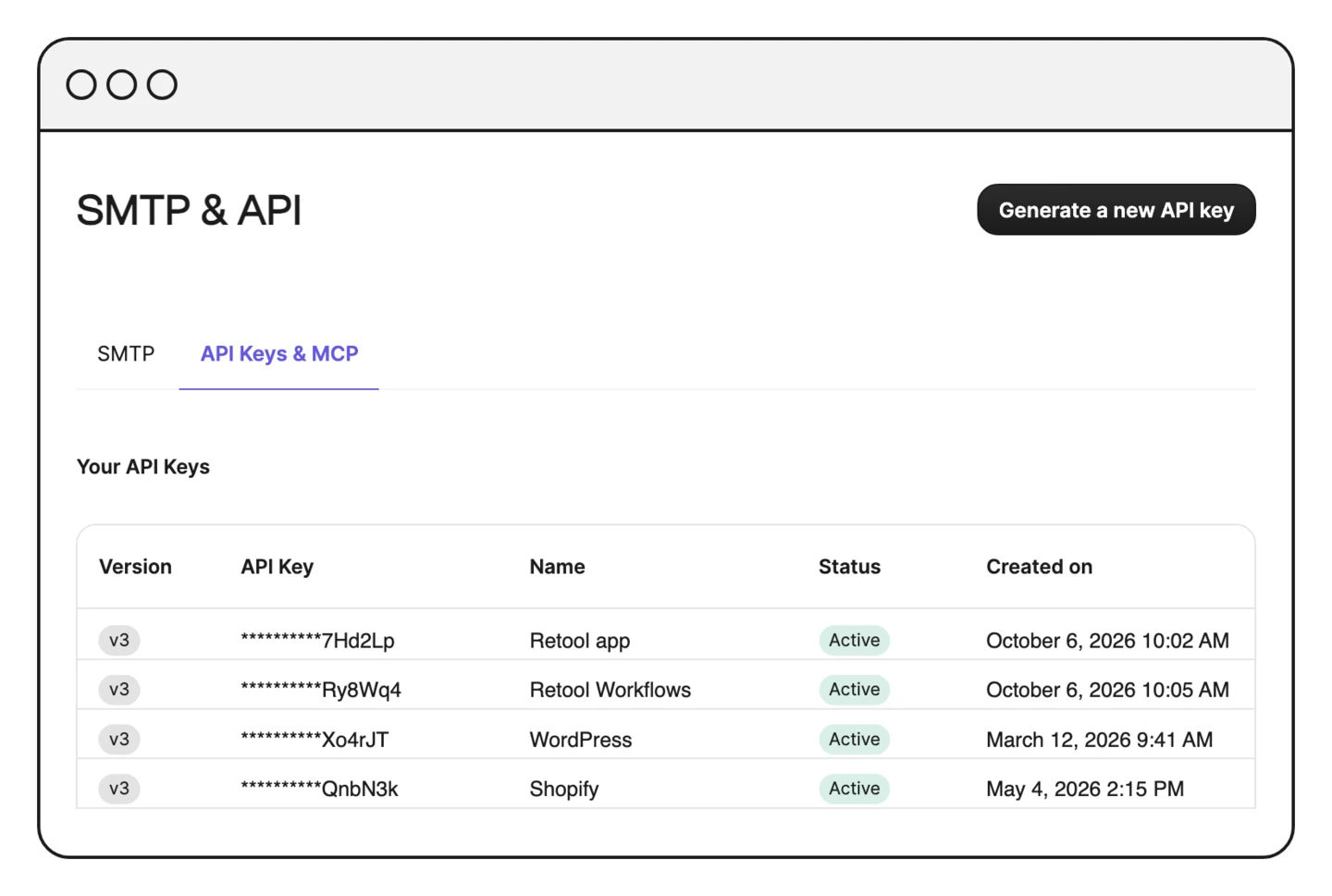
Manage keys in Brevo
Create your API keys in Brevo under SMTP & API, then paste the key into the api-key header.