Brevo MCP server for Claude Code
Register Brevo with one claude mcp add command and check it with /mcp. Then work with your contacts, email campaigns and CRM deals from the same terminal session as your code.

Why connect Brevo to Claude Code

One command to connect
Brevo documents the Claude Code setup: create an MCP key, run claude mcp add, and the server is ready.
Only the tools you need
The main server combines 27 modules. Point Claude Code at a single module, such as contacts, for a smaller, more focused tool set.
Docs search with no key
The Brevo docs MCP server is read-only, needs no API key and never touches your Brevo account.What you can do with Brevo in Claude Code
CONTACTS
Manage contacts and lists
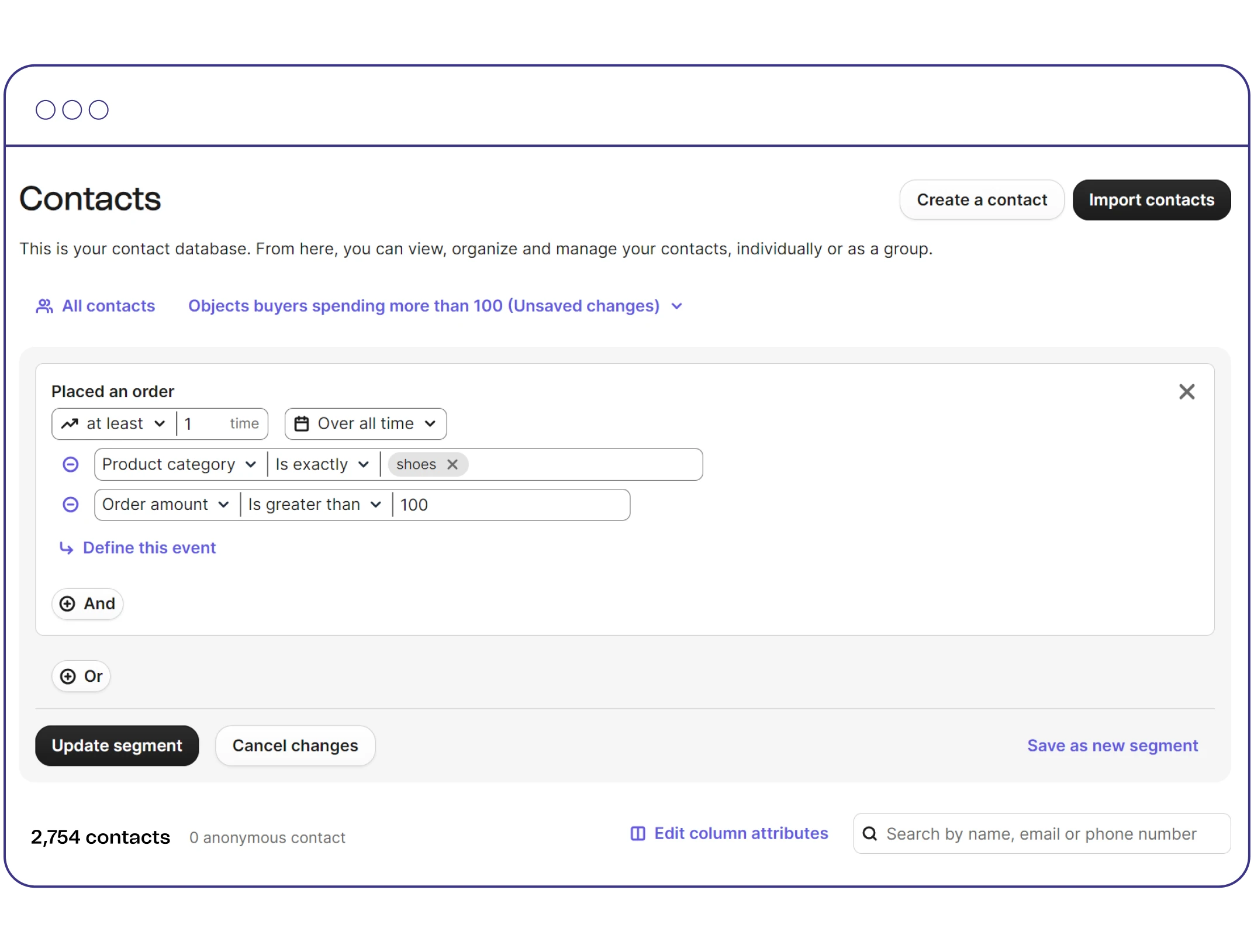
Add a contact to your newsletter list, work with segments and attributes, or run a bulk import and export, straight from a prompt.
EMAIL CAMPAIGNS
Create and track email campaigns
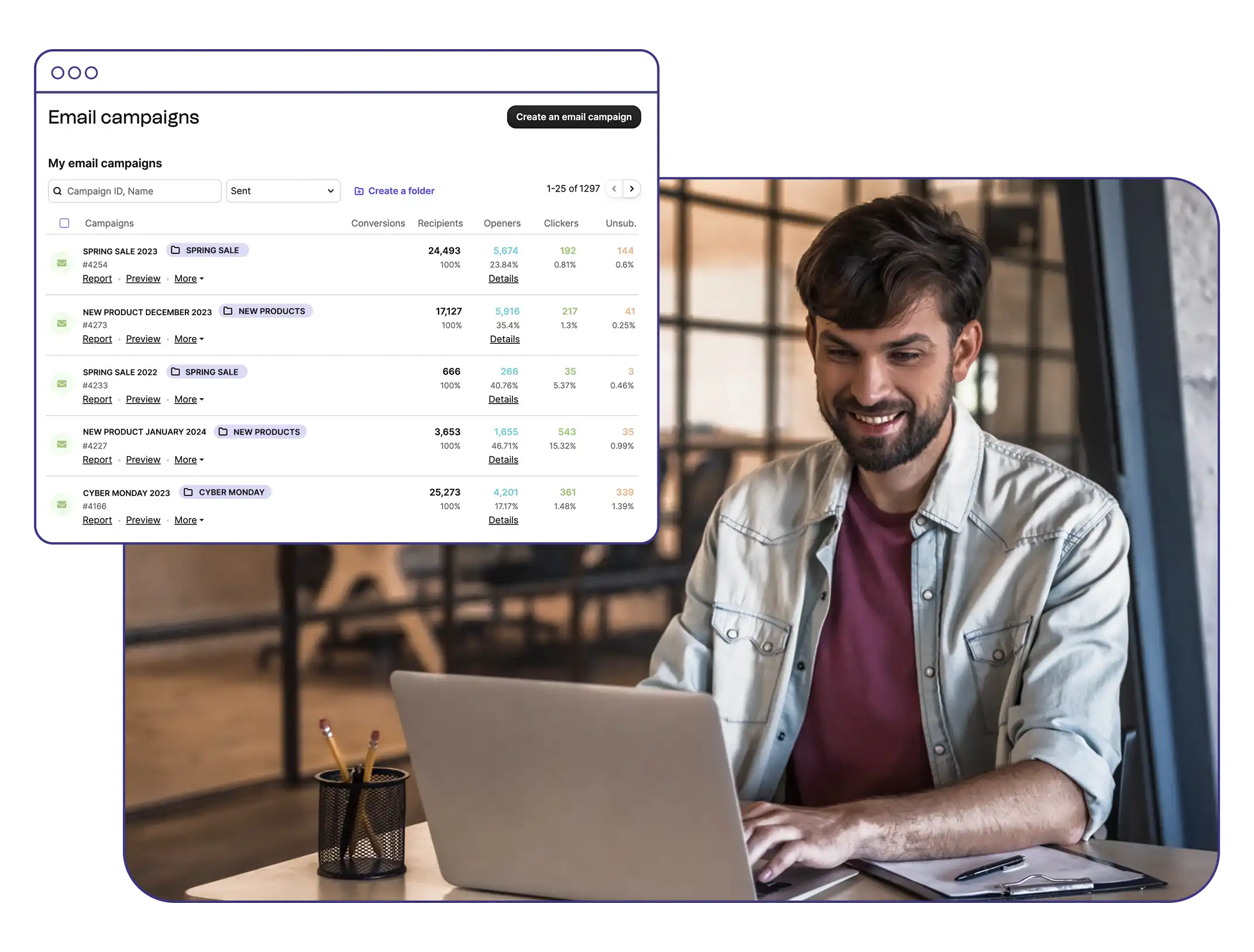
Ask for an email campaign for your product launch, manage your email templates and view campaign performance without opening another tab.
TRANSACTIONAL TEMPLATES
Keep transactional templates close
Manage your transactional email templates from the same session as the code that uses them.
CRM
Check deals and pipelines
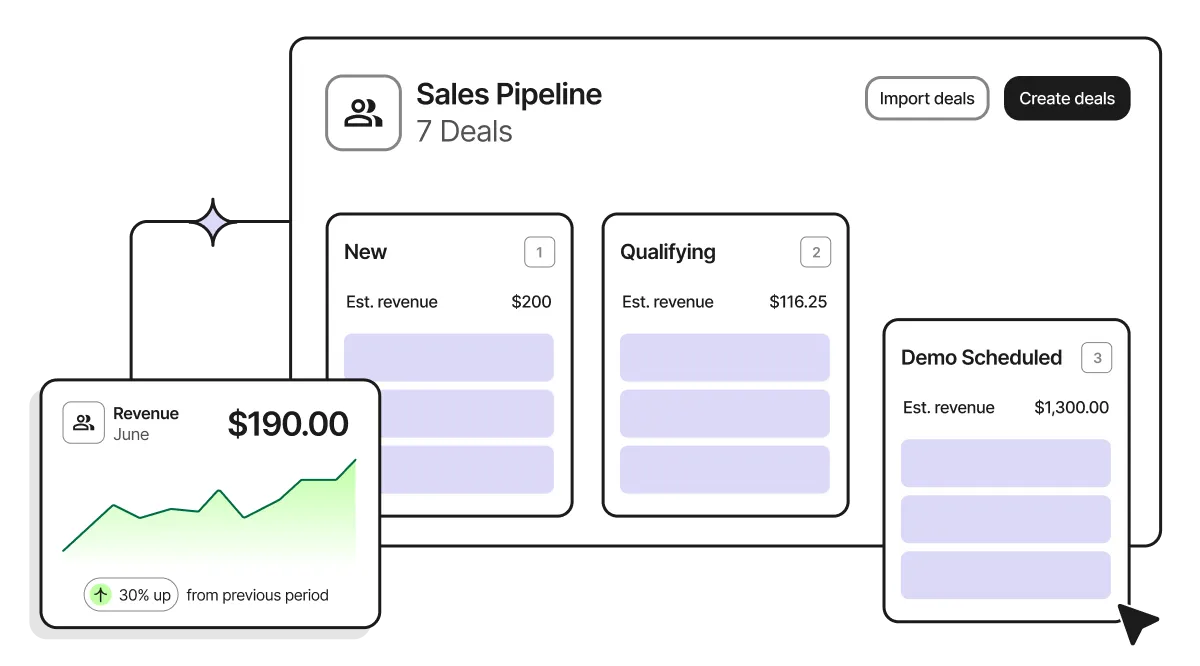
Show the deals in the Negotiation stage, or work with companies, tasks, pipelines and notes in the Brevo CRM.