Send Brevo emails and add contacts from Bolt
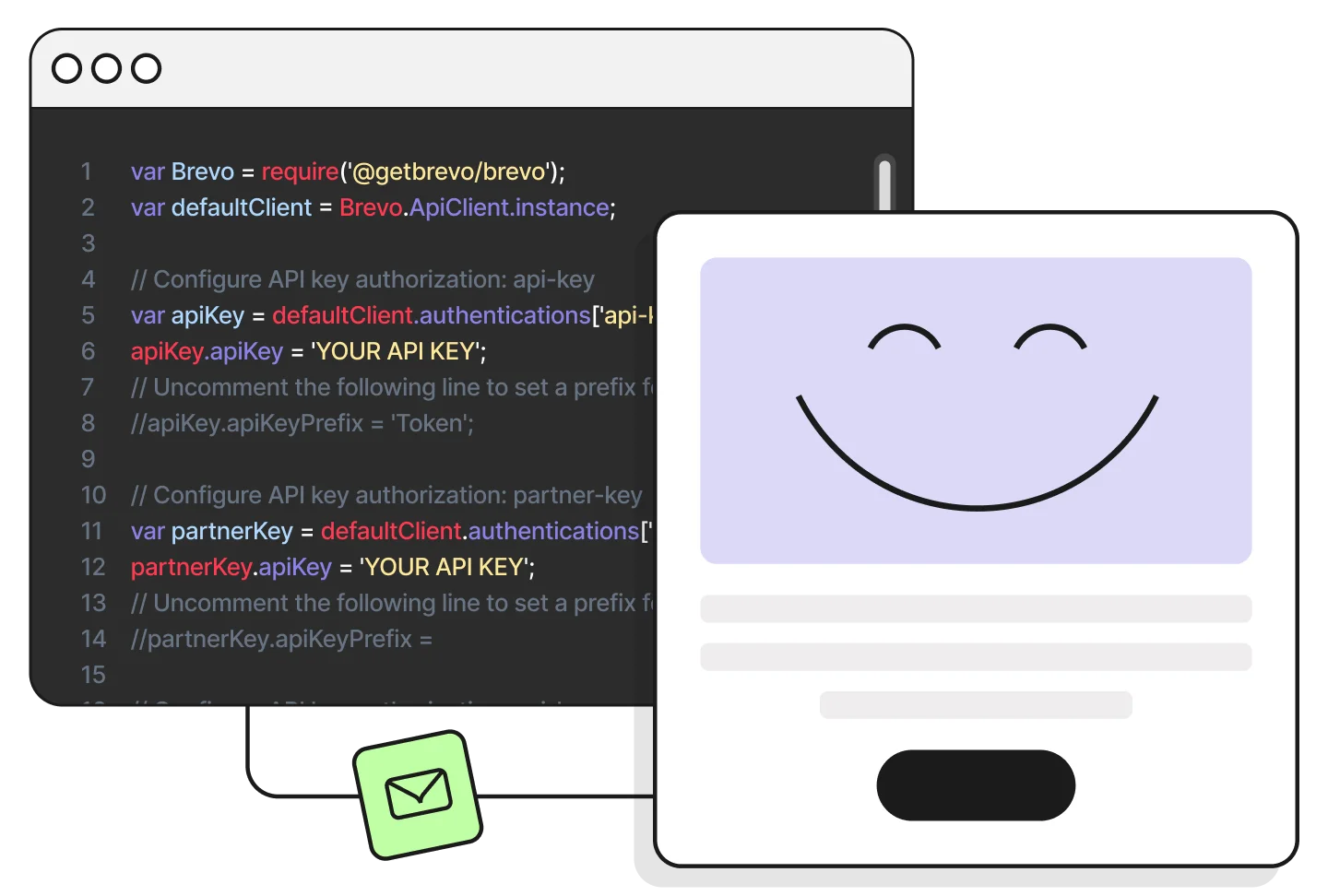
Store your Brevo API key as a Bolt secret, then ask Bolt for a server function that calls the Brevo API. Welcome emails and list signups, from the same prompt box where you build.

Why connect Brevo to Bolt

One secret to connect
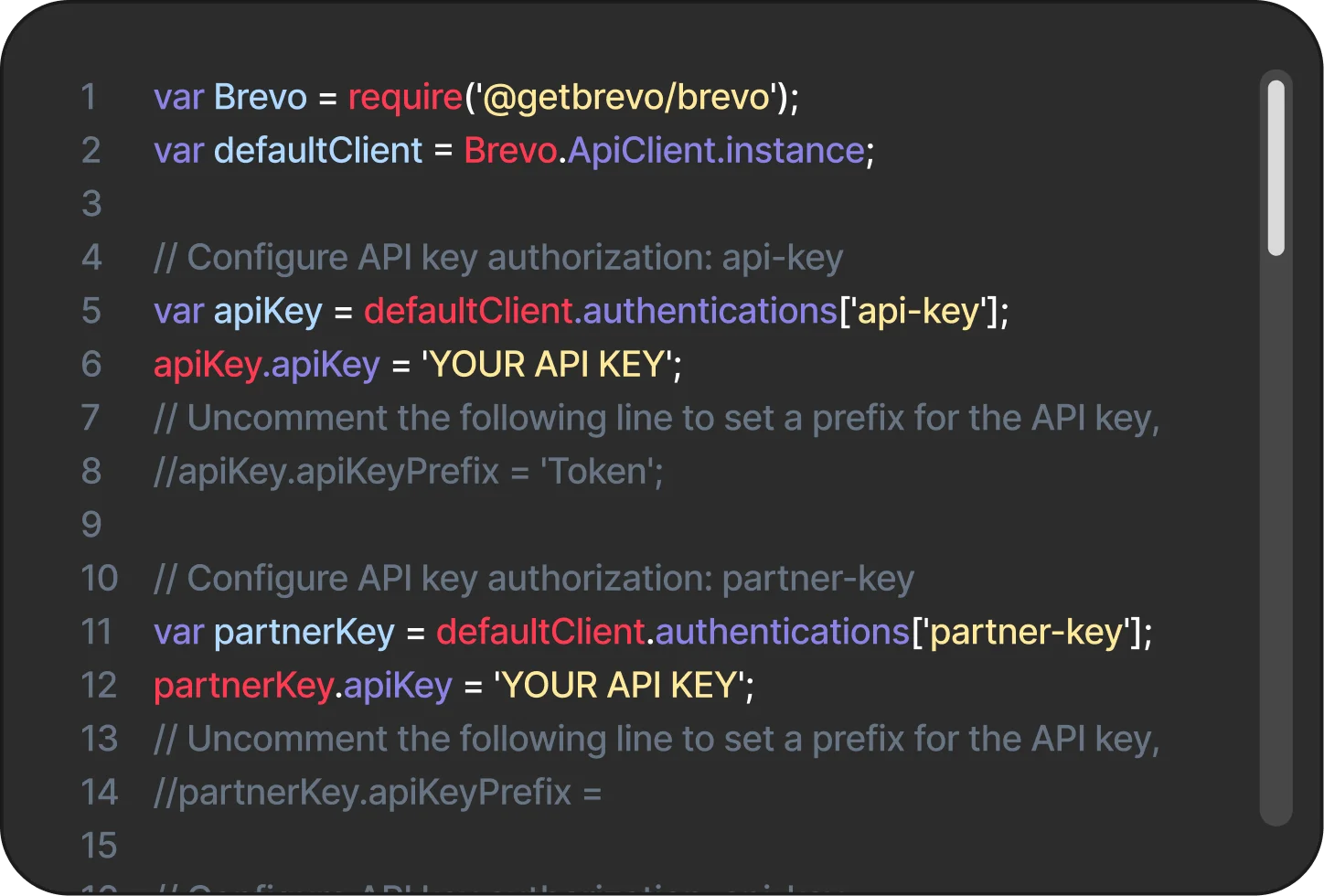
Add your Brevo API key as a secret named BREVO_API_KEY, then ask Bolt to write the server function that calls Brevo.
Start with two calls
Send a transactional email with POST /v3/smtp/email. Add a contact with POST /v3/contacts. Same base URL, same api-key header.
A key that stays off the front end
Bolt Database Secrets hold sensitive values like API keys for your server functions, so your Brevo key never sits in front-end code.What you can do with Brevo in Bolt
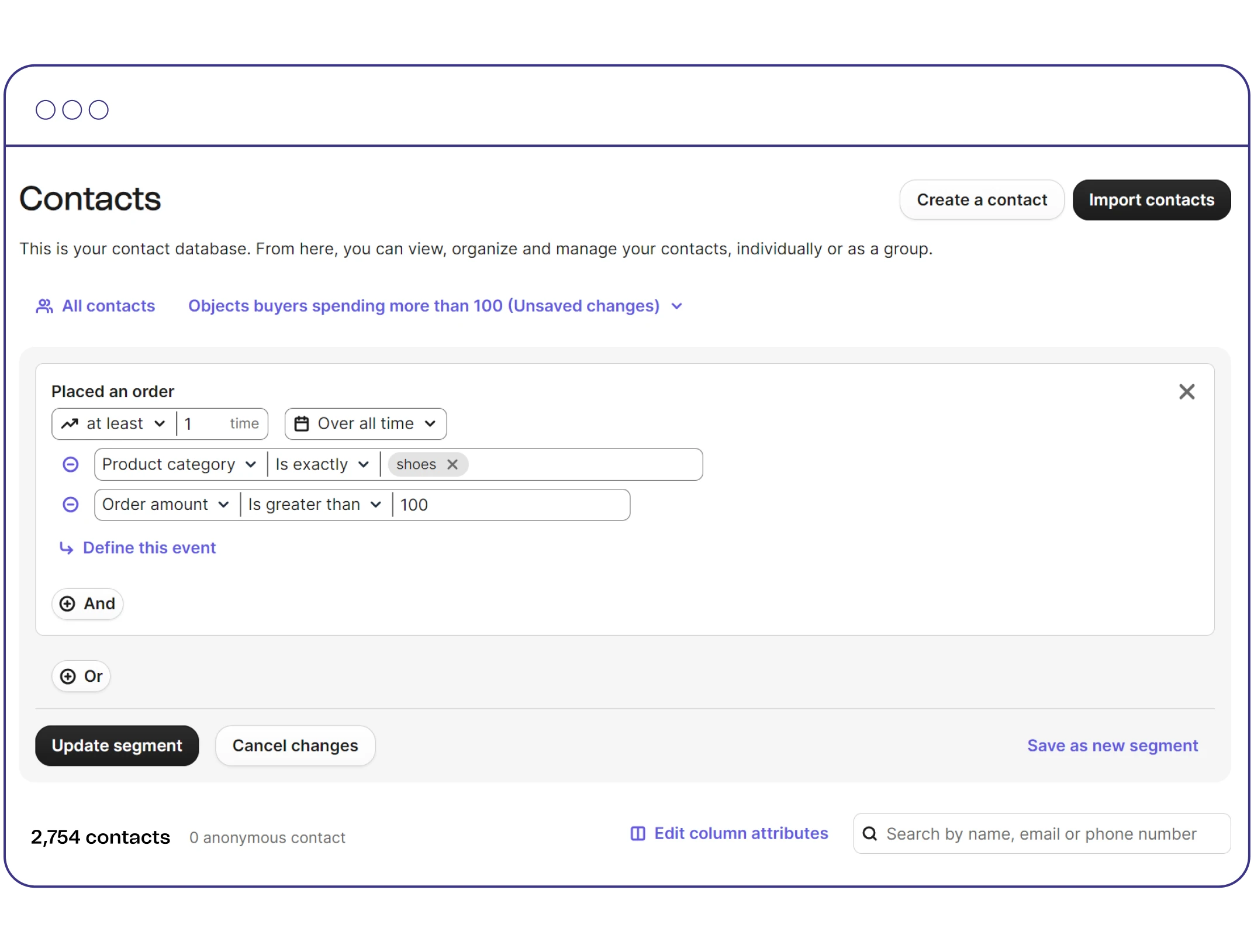
CONTACTS
Add contacts to a list
Ask Bolt for a server function that calls POST https://api.brevo.com/v3/contacts with an email and listIds, so a new signup lands on your Brevo list.
TRANSACTIONAL EMAIL
Send an email from a server function
A welcome email after signup is one request to POST /v3/smtp/email, sent from a Bolt server function with your api-key header.
SECRETS
Keep the key out of your front end
Store BREVO_API_KEY in Bolt Database Secrets and read it from your server function, never from the browser.
SUPABASE
Building on Supabase?
Add the secret in the Supabase dashboard under Edge Functions > Secrets, then call Brevo from your edge function.