Send emails from your Adalo app with Brevo
One Custom Action posts to the Brevo transactional email API, and Magic Text fills the recipient, subject and message from your app data. Custom Actions need an Adalo paid plan.

Why connect Brevo to Adalo

One request to send
Adalo Custom Actions are requests your app makes to an external API. Point one at Brevo with a POST to /v3/smtp/email and your email is on its way.
Your app values, in every email
Adalo's Magic Text inserts app values anywhere in the JSON body, subject and message included.
Check your Adalo plan
Custom Actions need an Adalo paid plan. On the Brevo side, you need an API key.What you can do with Brevo in Adalo
SENDER
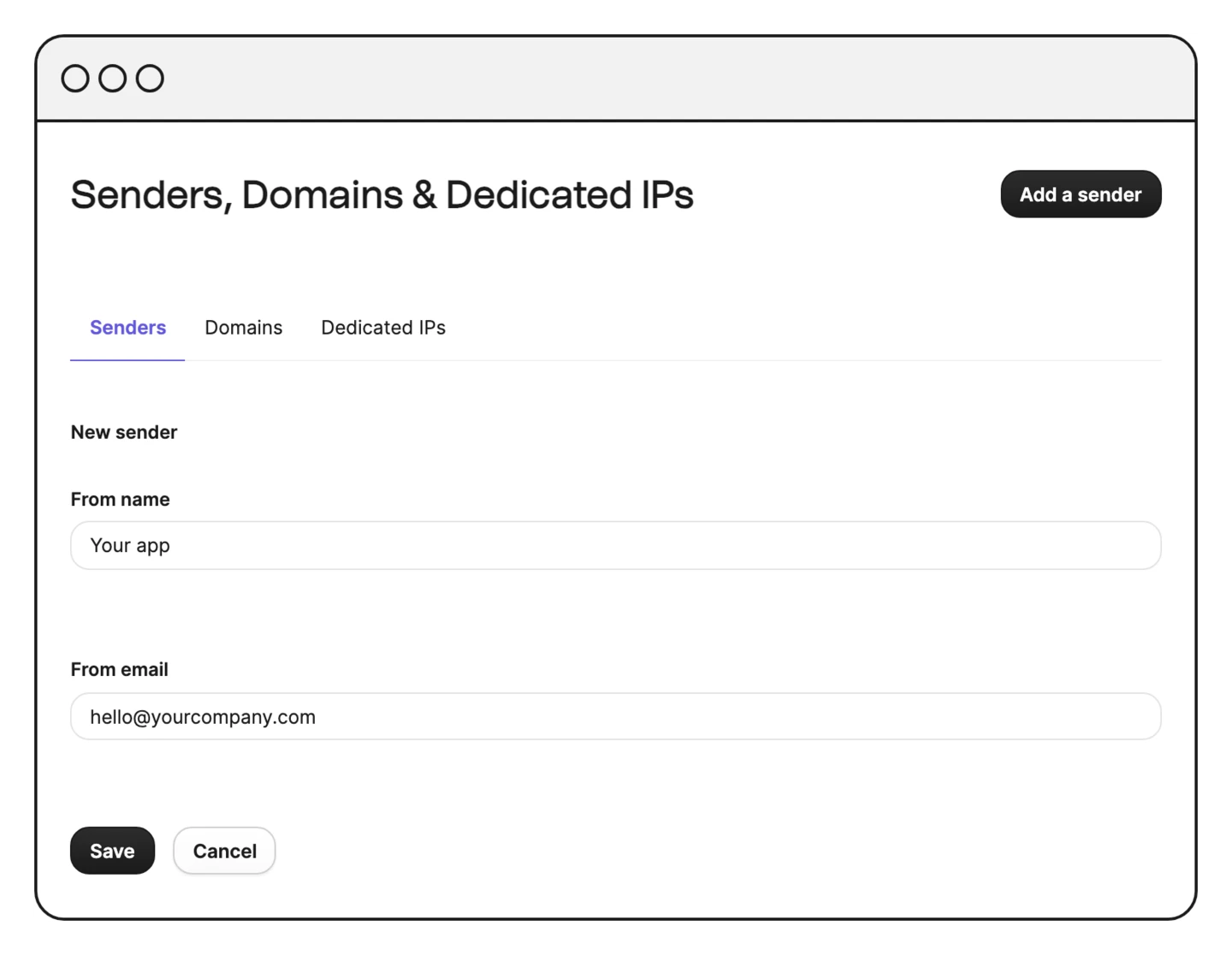
Set the sender
Give your email a sender name and address in the sender field of the JSON body.
RECIPIENT
Address the right person
Add the to field with your recipient's email and name, and the message goes straight to them.
CONTENT
Write subject and message
Fill subject and htmlContent with the text and the HTML your email needs.
MAGIC TEXT
Fill it with app values
Insert app values anywhere in the JSON body with Adalo's Magic Text, from the subject to the message.