BREVO x CHATGPT PLUGIN
ChatGPT (OpenAI)
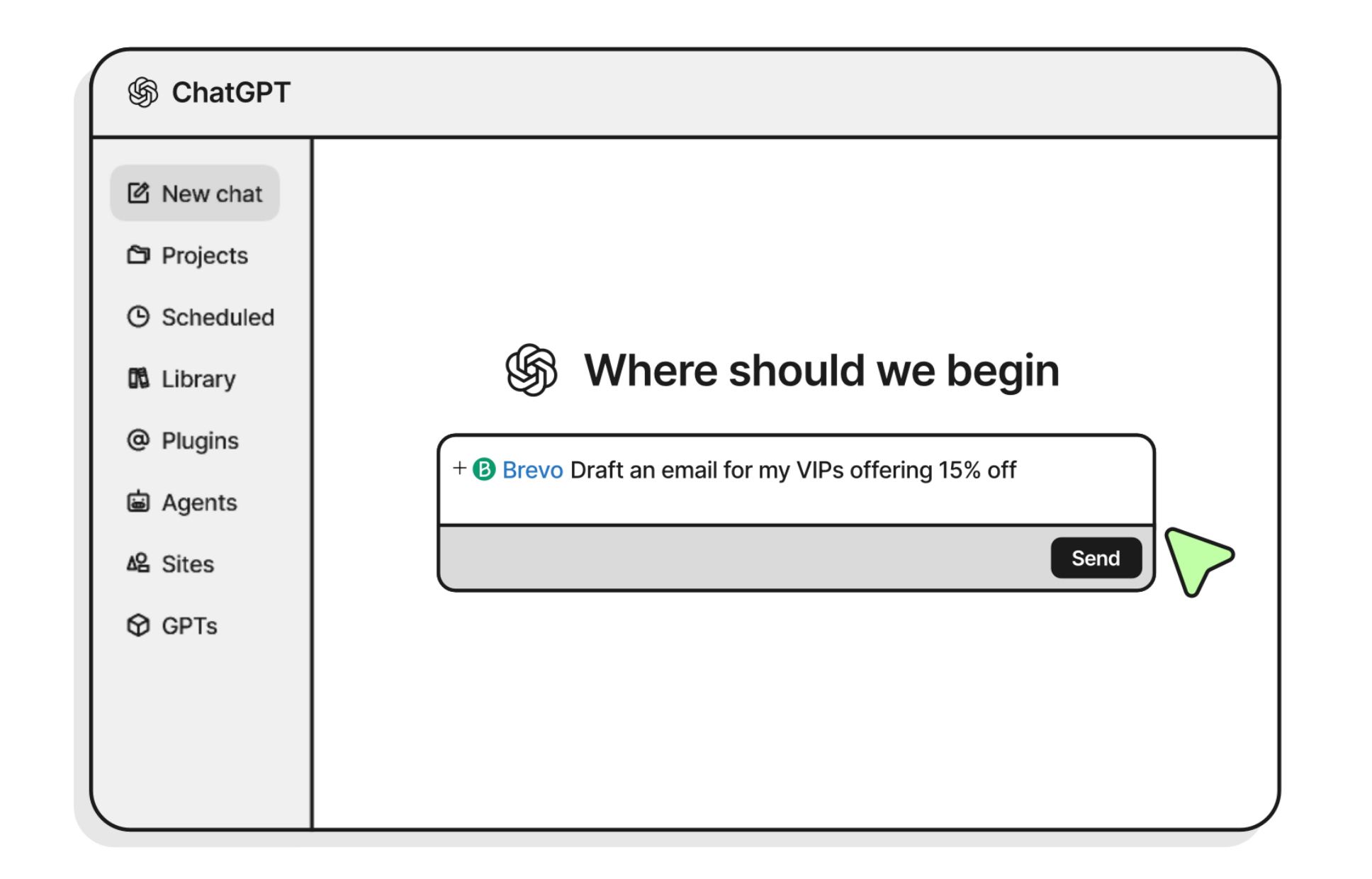
Ask ChatGPT to draft ready-to-send email and SMS campaigns, analyze performance and explore your contacts without ever logging into your Brevo account.
Loading content...
Connect Brevo to ChatGPT in just a few clicks
- In ChatGPT, go to Plugins > Browse plugins, search Brevo and click Install plugin.
- Click Sign in with Brevo and log in to your account.
- Review permissions and click Authorize.
That’s it. No API or MCP keys. The Brevo plugin is active and ready to use.
Your Brevo to-do list, one prompt at a time
Real questions you can ask the moment the plugin is installed.
- What's the open and click rate on my last email campaign in Brevo?
- Create an SMS campaign draft in Brevo for a 24-hour flash sale.
- Build a draft email template welcoming new sign ups.
- List the contacts in my 'VIP customers' list.
- Compare the open and click rates of my last five email campaigns in Brevo. Which one did best? Summarize it in three lines I can paste into our weekly report.
- Look up [email protected] in Brevo. Which lists and segments is she on?
- How many contacts are in my 'Newsletter' list in Brevo?
Your campaigns, contacts and results, one prompt away.
Free on all Brevo plans. No developer required.Featured articles