EMAIL MCP SERVER
Start with one workflow and connect only the Brevo services you need.Email MCP Server for AI-powered email marketing with Brevo
Connect Claude Desktop, Cursor, Windsurf, VS Code, and other MCP-compatible assistants to Brevo. Create campaign workflows, analyze performance, and work with audience data using natural language.

WHAT IS AN EMAIL MCP SERVER?
Connect your AI assistant to Brevo
An email MCP server connects an AI assistant to email marketing tools and data through the Model Context Protocol. Brevo MCP lets you work with campaigns, analytics, contacts, lists, segments, templates, and CRM activities using natural language.Start with a question, review the result, and decide what to do next.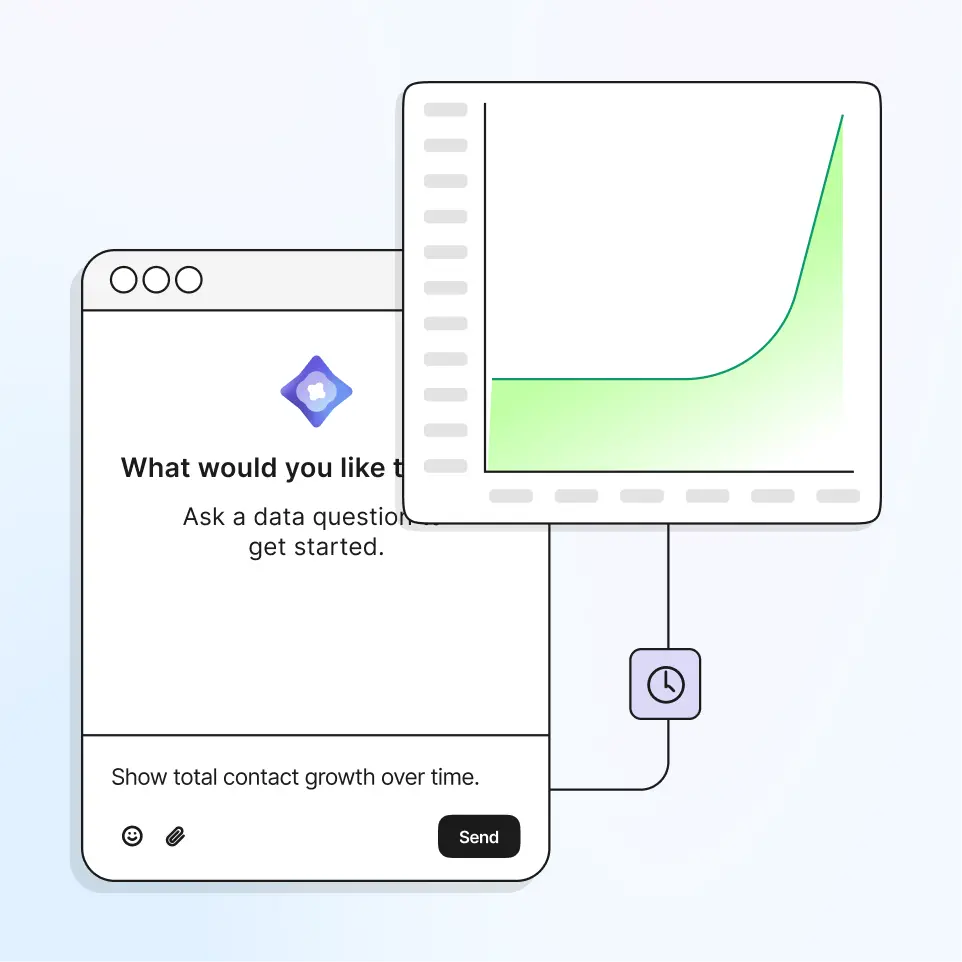
Connect Brevo MCP in four steps
1. Token
STEP 1
Generate your MCP token
In Brevo, go to Account > SMTP & API > API Keys and create an MCP token for your connection.
- Use a dedicated token
- Keep control of your connection
- Rotate or revoke access when needed
EMAIL MARKETING MCP
Built for marketing workflows, not just email sending
Some email MCP servers focus on inbox management or transactional delivery. Brevo MCP connects AI to campaigns, analytics, audience data, templates, and the wider customer engagement workflow.Bring campaign creation, reporting, and audience work into the same conversation.